Magma June 2024 Release
June 20, 2024
·

Writer and marketer | Fan of children's books, museums, and poetry that rhymes
With our new Art Jam feature among other exciting updates, this release was focused on making Magma even more social, collaborative, and accessible! Check out what’s new.
Start & join Art Jams (Beta)
Drawing with others is at the core of our platform, so we want to make finding collaborators easy for any artist.
Though there are currently a couple of ways to invite specific friends to join your canvas, we’ve noticed people often share canvas links in more visible spaces — everywhere from Twitter and Tumblr to our trusty Discord server. Sharing a canvas publicly can help artists find new drawing buddies, introduce more collaborators to their drawing, and lead to a more active exchange of ideas — all of which we want to facilitate! For those reasons, we’re launching a way to showcase and discover canvases directly in Magma.
Designed to help artists connect and draw together, our new Art Jams feature will showcase active Magma canvases in a filterable feed. Users can join a canvas and instantly draw with others, or start their own jam on a topic they care about. Read more about how to start and join Art Jams below.
Get Started With Art Jams
When logging into your Artdesk, you'll find the Art Jams icon directly below your Artdesk icon.

Once you’re there, you can explore art jams by browsing through the list of all canvases or filtering based on the genre that you're interested in.

To create your own jam, hit either of the two highlighted buttons, then input information like your title, description, genre, tags, and rules. Any new joiners will have to accept your rules in order to join your jam.

As a canvas owner, you should make sure that your Art Jam is a safe and inclusive environment for other artists — watch this video guide to learn more about admin controls and how to protect your canvas.
Host Video Calls & Share Your Screen
Try Video Calls
We’re rolling out the ability to host video calls to all Blaze users! This is designed to help you feel closer to friends or teammates and to make collaborating in Magma even easier.
When joining a video call, you can customize your camera and microphone settings, as well as the call layout. You can select one of three different views:
Column layout places the camera of each user in a line above one another
Focus places the active speaker in a larger window
Video on cursor replaces the avatar on the cursor with your camera view instead
Tip: Click “Enable transparency” to make the camera windows semi-transparent and show the canvas contents behind them.

Share Your Screen
Sharing your screen with others on a call makes it easier to brainstorm, exchange ideas, and learn from other artists. To share your screen, start a call, then click the “Share Screen” icon. A browser window will appear and ask you to select a tab, window, or entire screen to share with others.

Use Magma in Japanese (Beta)
We want to make Magma accessible to artists all over the world — and we’ve started by translating our platform and website to Japanese! We hope this gives the many Japanese artists using Magma a more comfortable drawing experience. Over time, we also intend to add more supported languages.
Change Your Language
To change your language in Magma, open a canvas and go to the Edit menu -> Application Settings -> General and update the language setting accordingly. This feature is still in beta, so if you speak Japanese, we’d love your feedback on our translations!

We can’t wait for you to try out our latest features and hope you enjoy everything we’ve been working on. To share your thoughts on what we should release next, go to the Feature Requests page in Magma to let us know. Happy drawing!


Writer and marketer | Fan of children's books, museums, and poetry that rhymes
Related articles

Ryan Allan
·
September 17, 2026
Check out the latest creator brush packs added to Magma.

Ryan Allan
·
Sept 3, 2026
Read about the new Scheduled Art Jams feature and updated creation flow for Jams.

Ryan Allan
·
June 12, 2026
Stay up-to-date with your art friends by enabling push notifications!
Ryan Allan
·
May 29, 2026
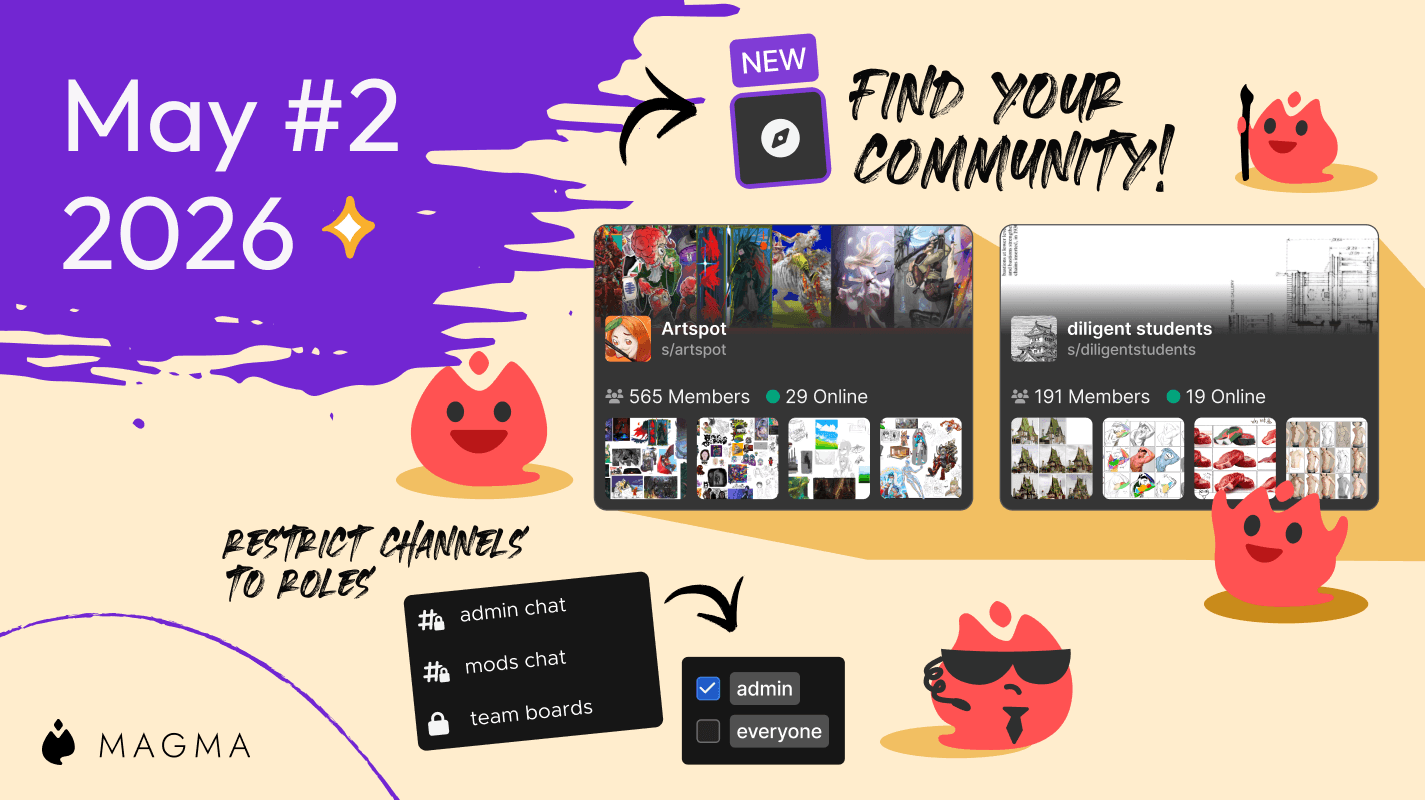
Discover awesome communities with Artspace listing, and use roles to restrict channel access in your space.
Ryan Allan
·
May 7, 2026
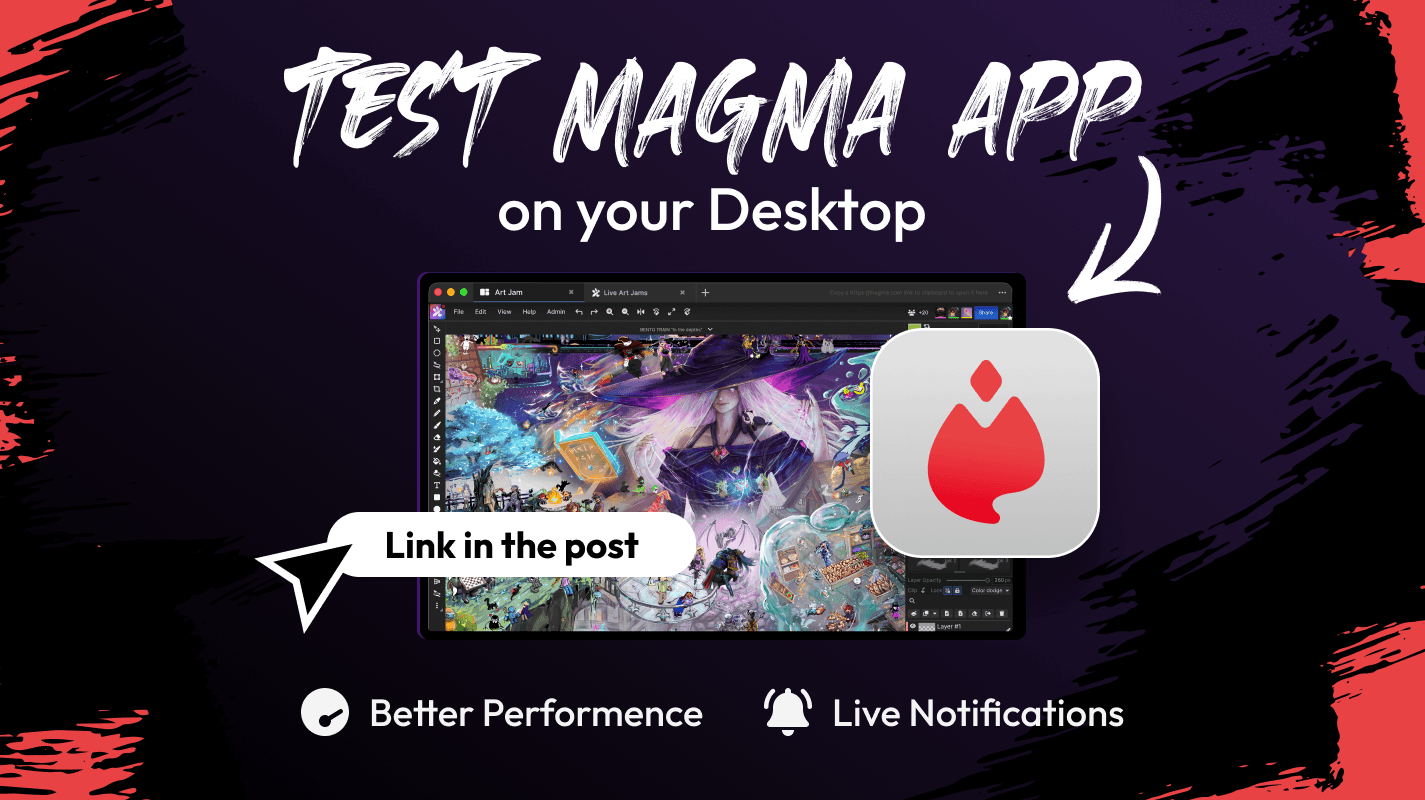
The Magma standalone desktop app is now available for testing.
Ryan Allan
·
May 1, 2026
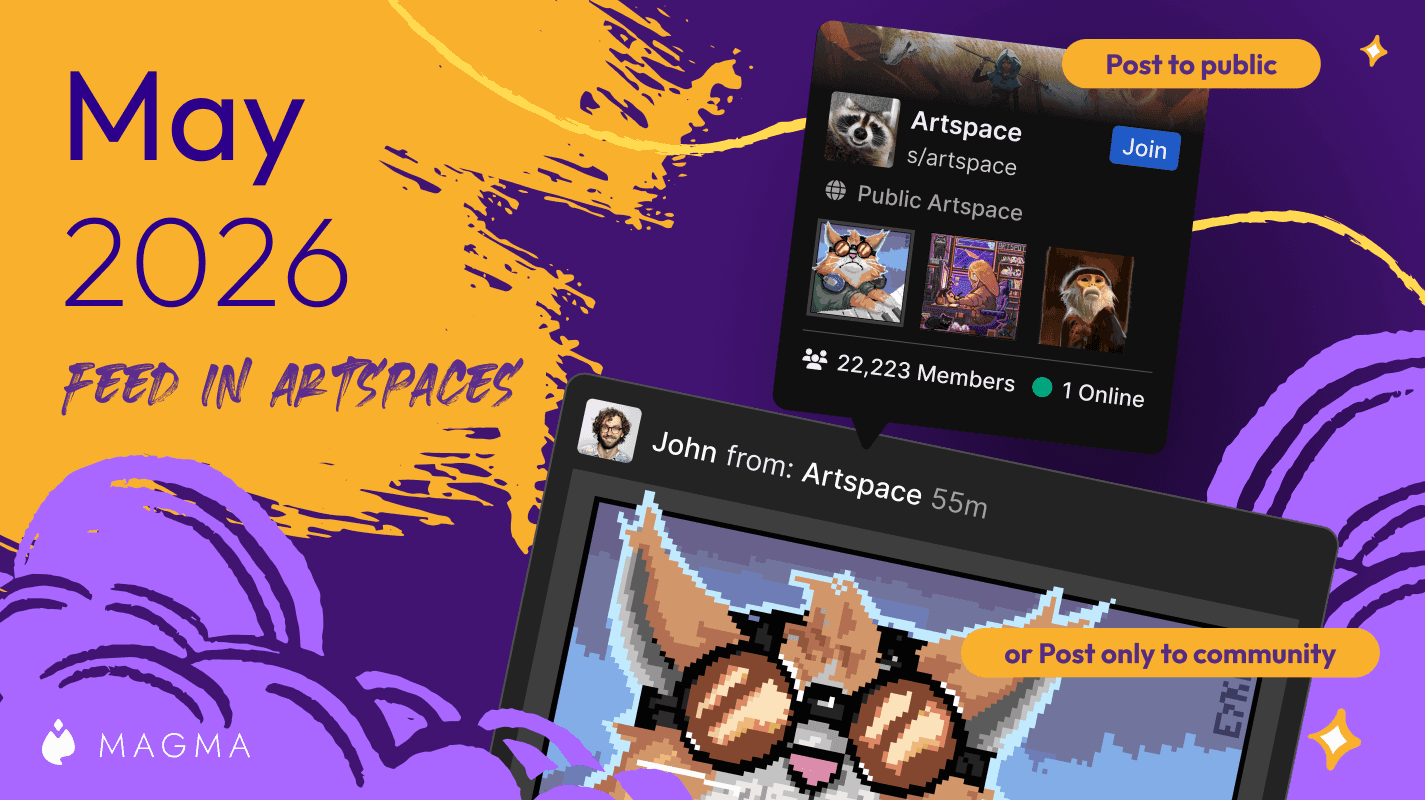
We've upgraded Artspaces even more!
Ryan Allan
·
April 10, 2026
See what's new with Magma's upgraded chat system!
Ryan Allan
·
April 2, 2026
We've improved the blocking system in Magma, and added controls for brush texture depth.
Ryan Allan
·
March 18, 2026
Two new creator brush packs and a whole lot more texture for your brushes.
Ryan Allan
·
February 11, 2026
In this update, we bring you some news and improvements to Artspaces as well as a new Participants List
Ryan Allan
·
January 1, 2025
Check out some stats as we look back at 2025, and how to view your own round-up of your activity on Magma
Ryan Allan
·
December 18, 2025
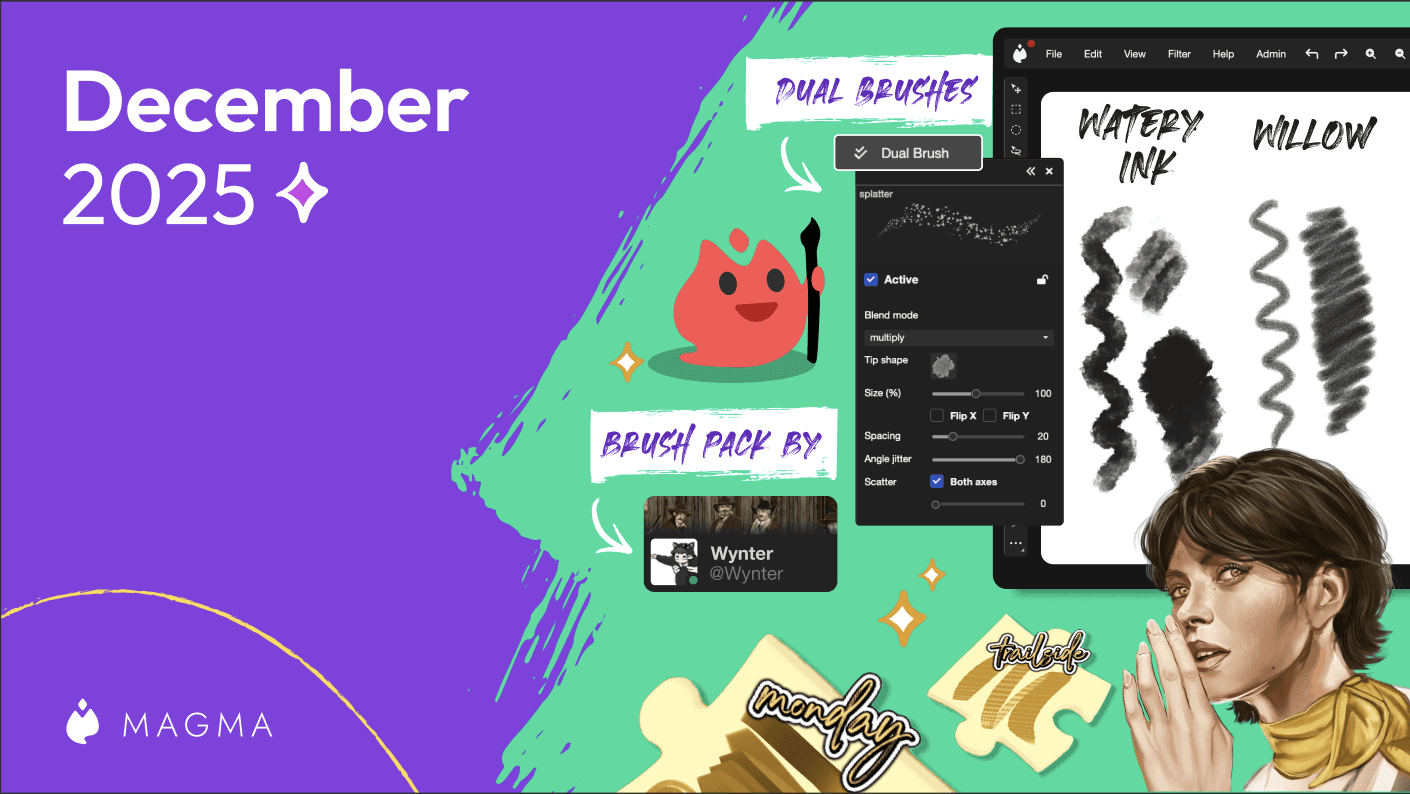
In this update, we bring you some new brushes as well as the Dual Brush setting.
Ryan Allan
·
Jan 15, 2025
Magma's Multiboard feature unlocks quiute a few possibilities, one of those being a sort of infinite canvas.
Ryan Allan
·
November 28, 2025
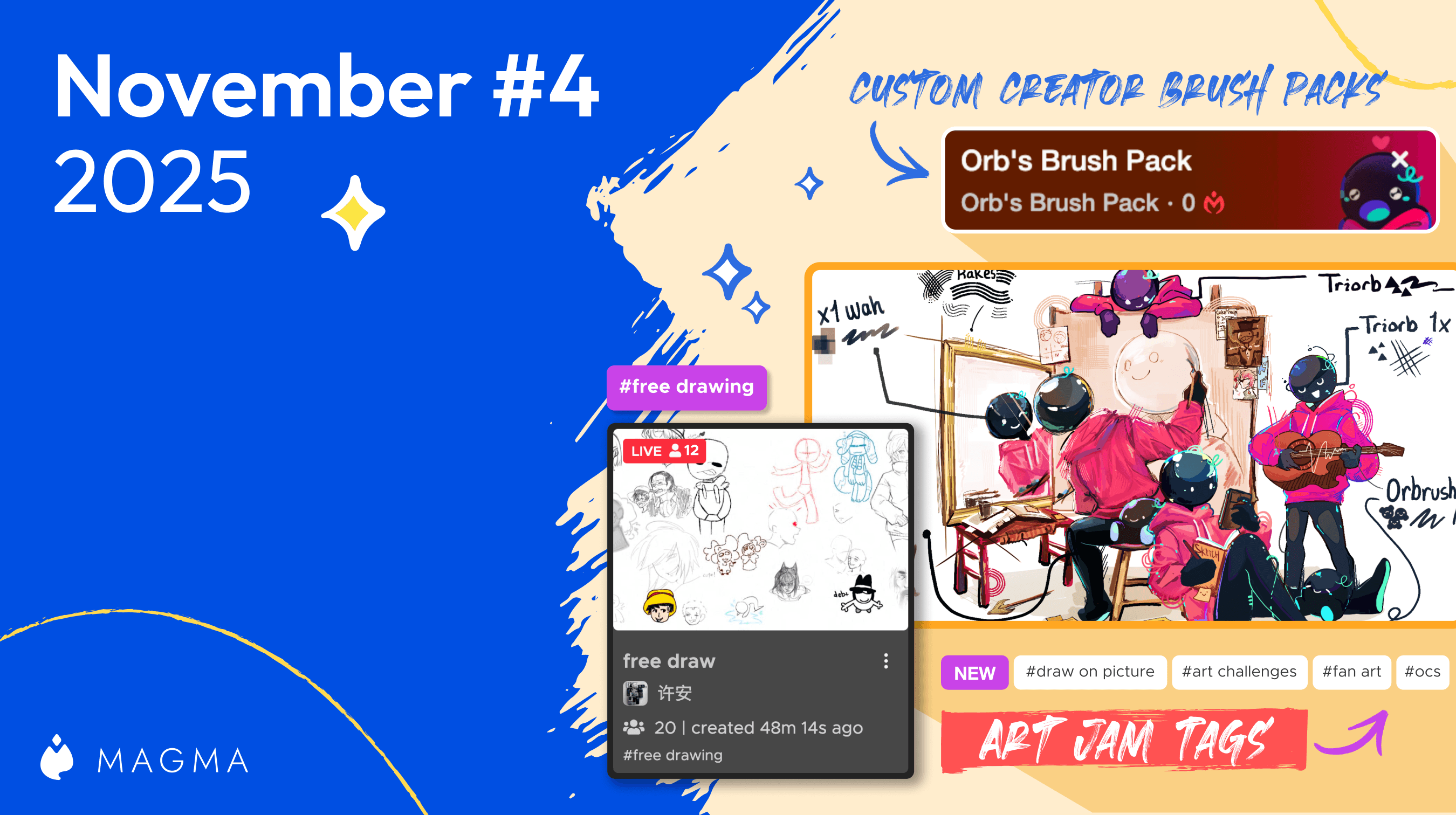
We're excited to be partnering with Orb to share a free custom brush pack to use in Magma.
Ryan Allan
·
November 24, 2025
We've got some improvements to Super Simple Mode and Comment threads
Ryan Allan
·
November 13, 2025
We've got some improvements to the new Homepage and Liquify, and Multiboard
Ryan Allan
·
November 6, 2025
To keep Magma's environment safe and healthy for artists, we have updated our Community Guidelines.
Ryan Allan
·
October 25, 2025
We've got some improvements to the new Homepage and Liquify, and Multiboard
Ryan Allan
·
October 9, 2025
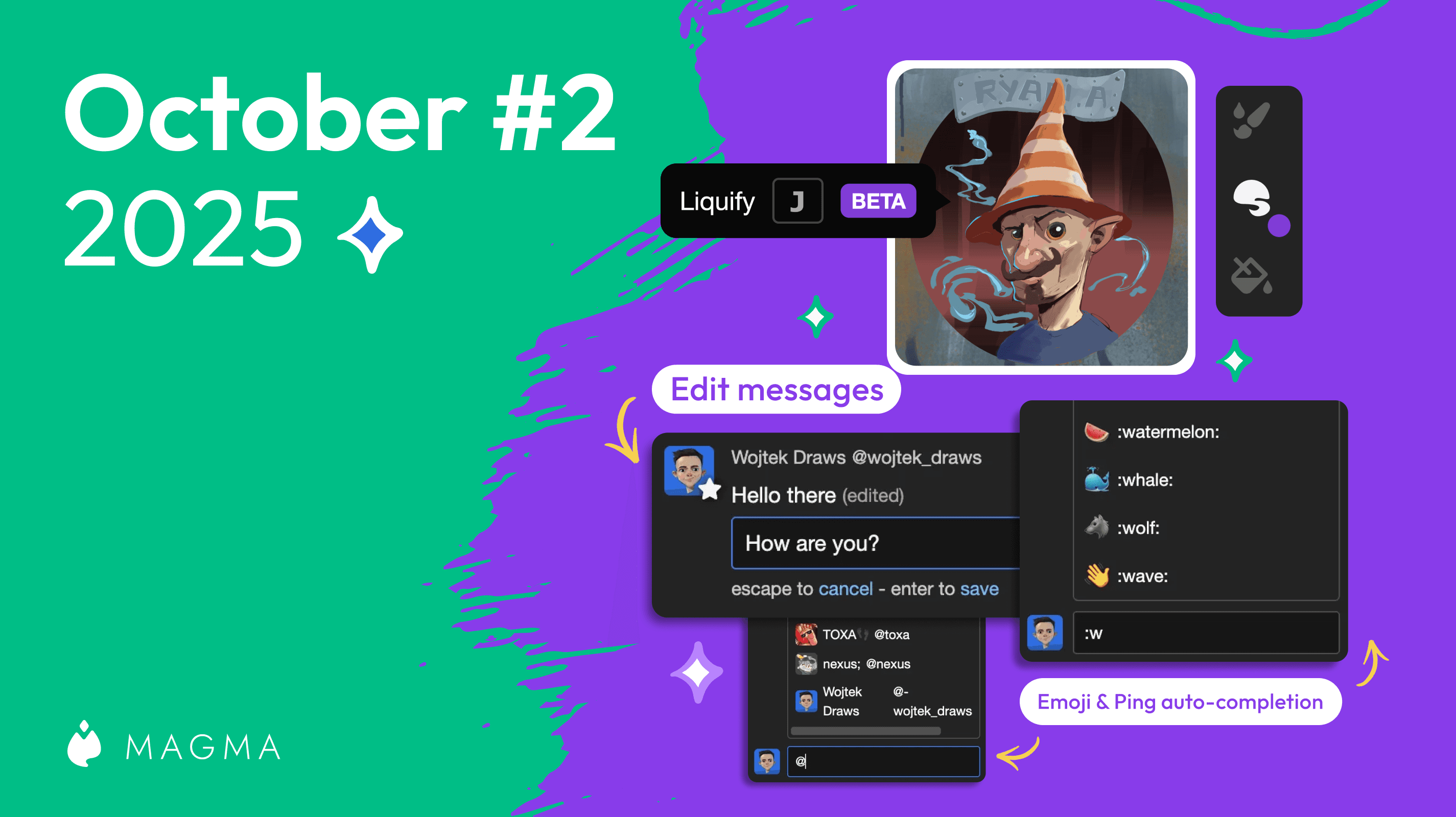
Make adjustments to proportions and posing with the new Liquify tool in Magma.

Magma
·
October 2, 2025
Browsing multiboards just got easier, plus new fonts and brush panel controls
Ryan Allan
·
September 25, 2025
We're leveling up the collaboration possibilities with a new Remixing feature!
Ryan Allan
·
September 4, 2025
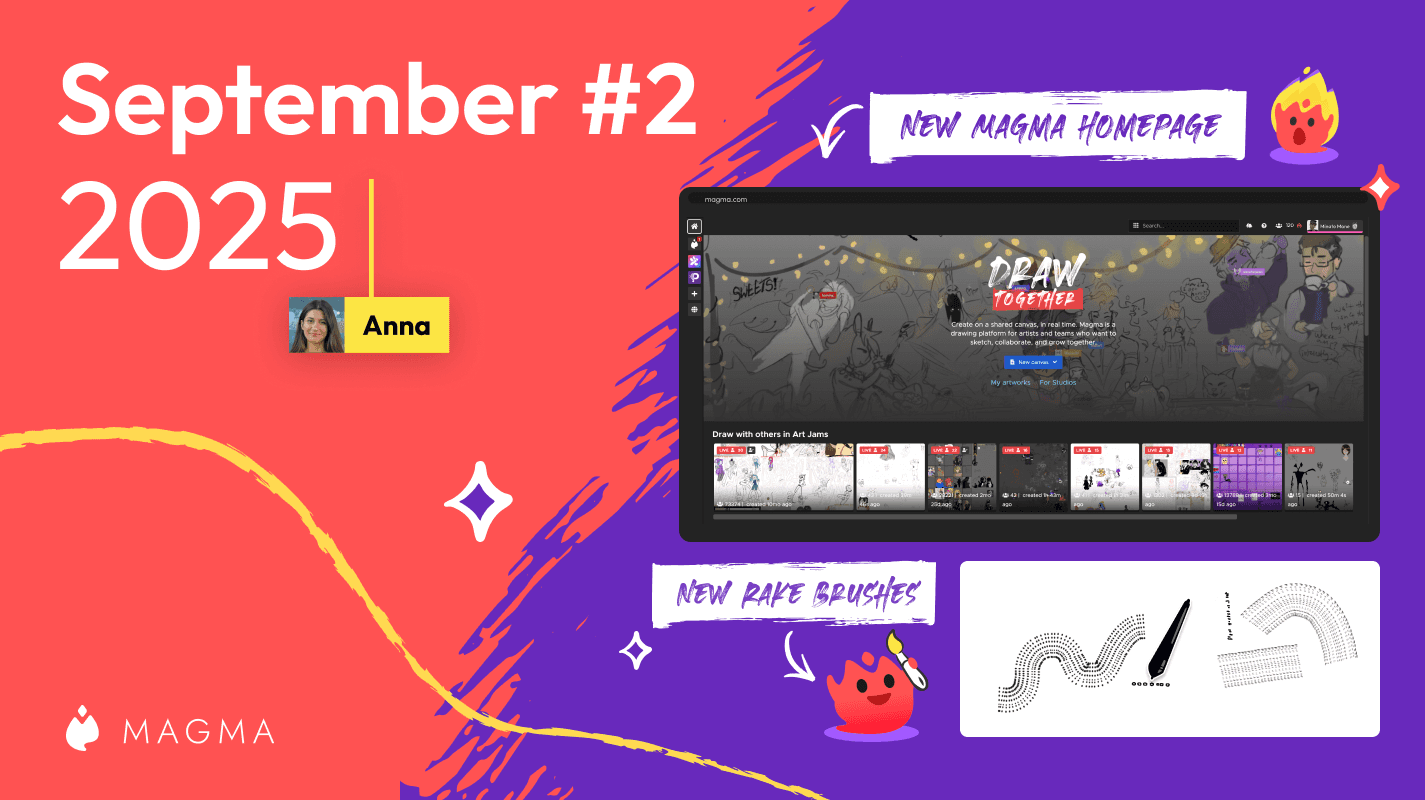
Introducing our new homepage where you can discover awesome art from Magma users across the globe.
Ryan Allan
·
September 2, 2025
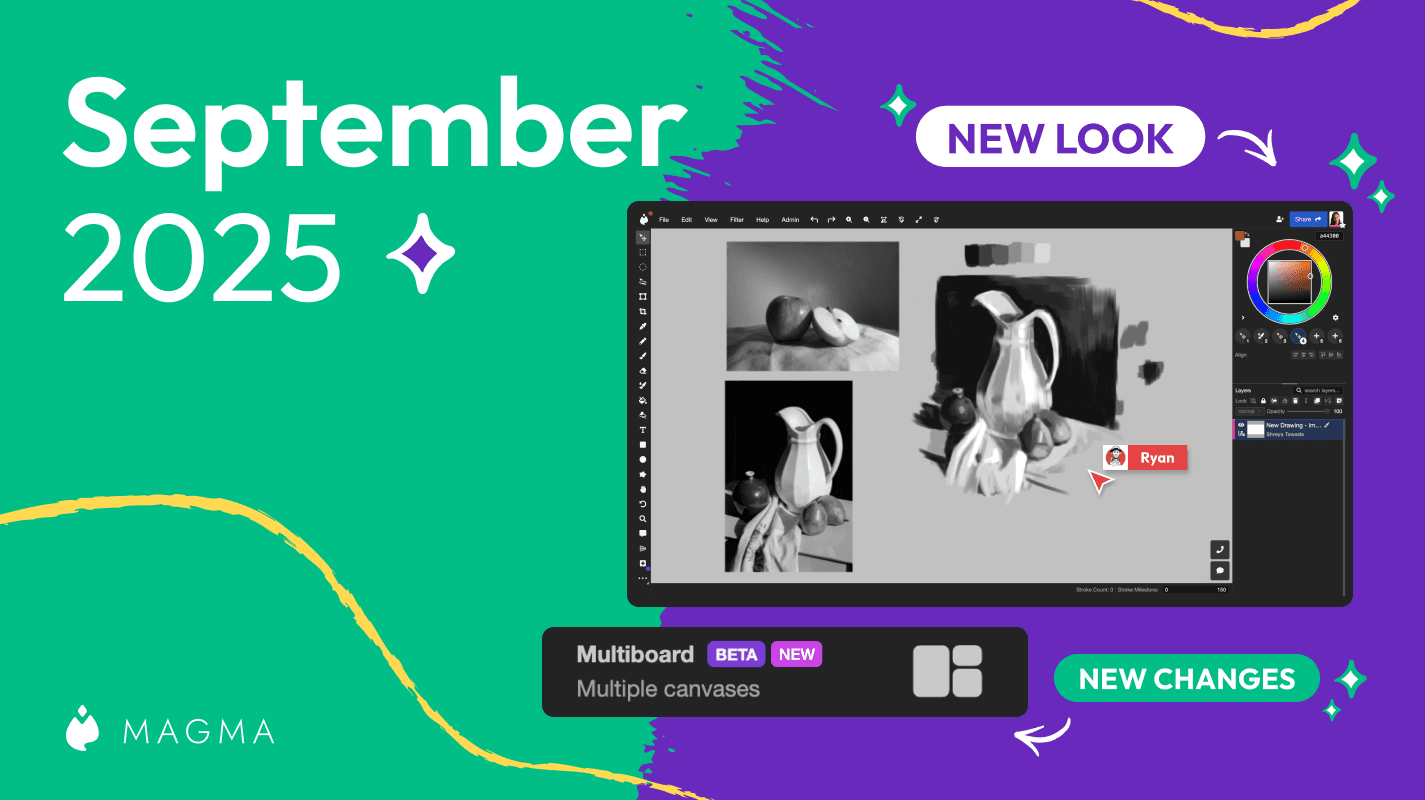
Introducing an update to the Magma UI as well as our much anticipated Multiboard feature
Ryan Allan
·
August 19, 2025
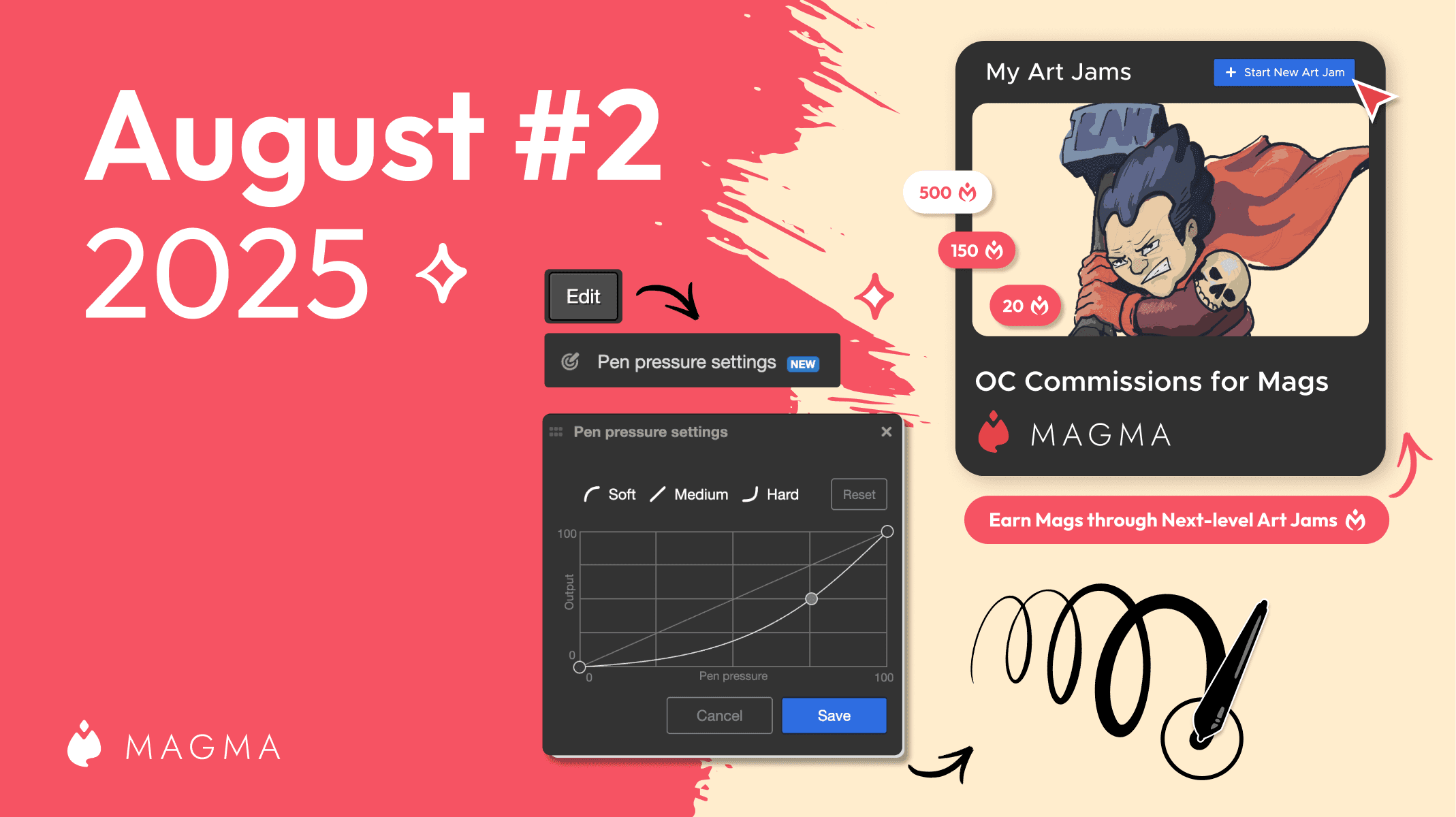
Check out what's new in Magma including a customizable pressure sensitivity curve and the ability to add an entrance fee for Art Jams

Ryan Allan
·
August 6, 2025
Introducing a new project at Magma to support our artists, one Mag at a time.

Ryan Allan
·
July 24, 2025
Introducing a new project at Magma to support our artists, one Mag at a time.
Ryan Allan
·
9 July, 2025
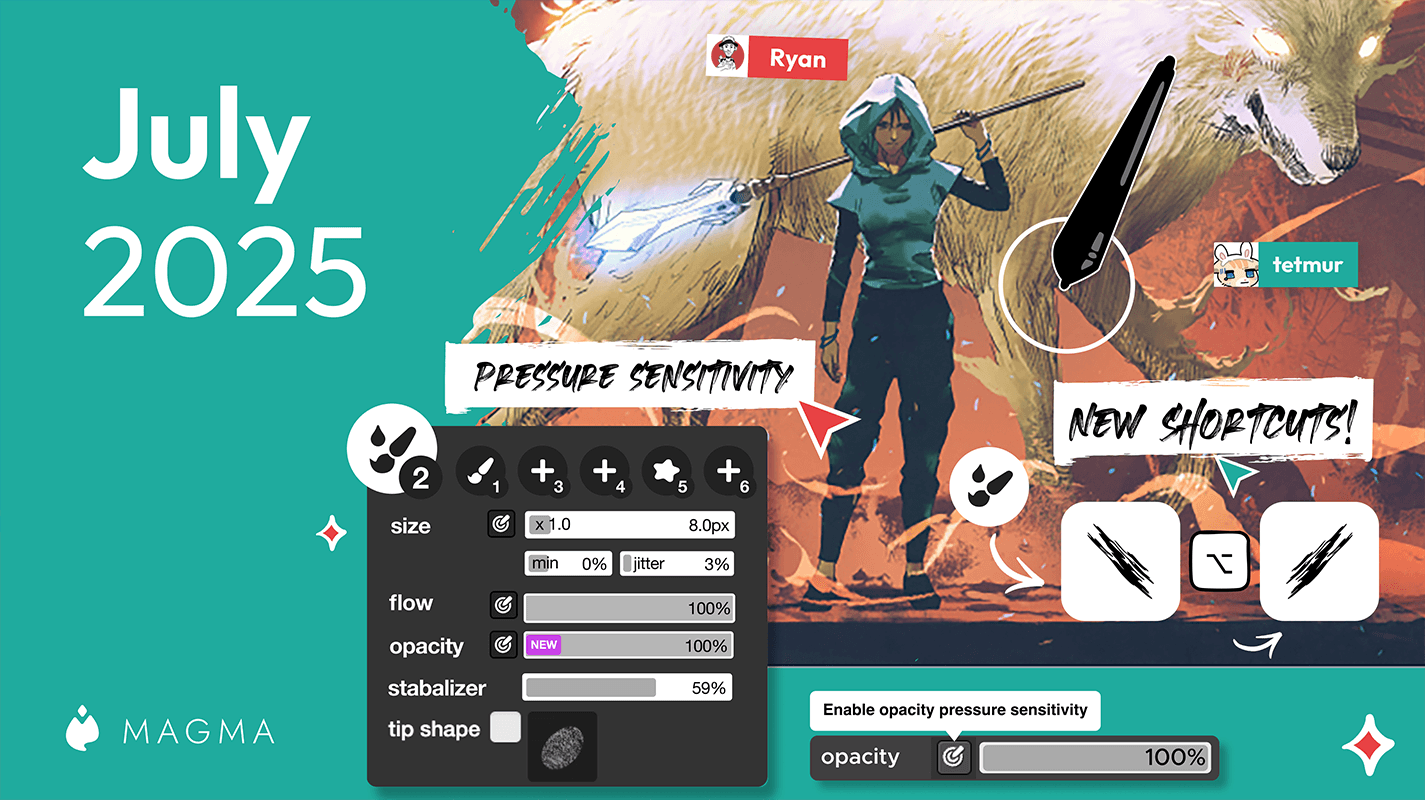
A look at what's new in the first July '25 Magma update.

Ryan Allan
·
June 24, 2025
A look at what's new in the second June '25 Magma update.
Ryan Allan
·
June 13, 2025
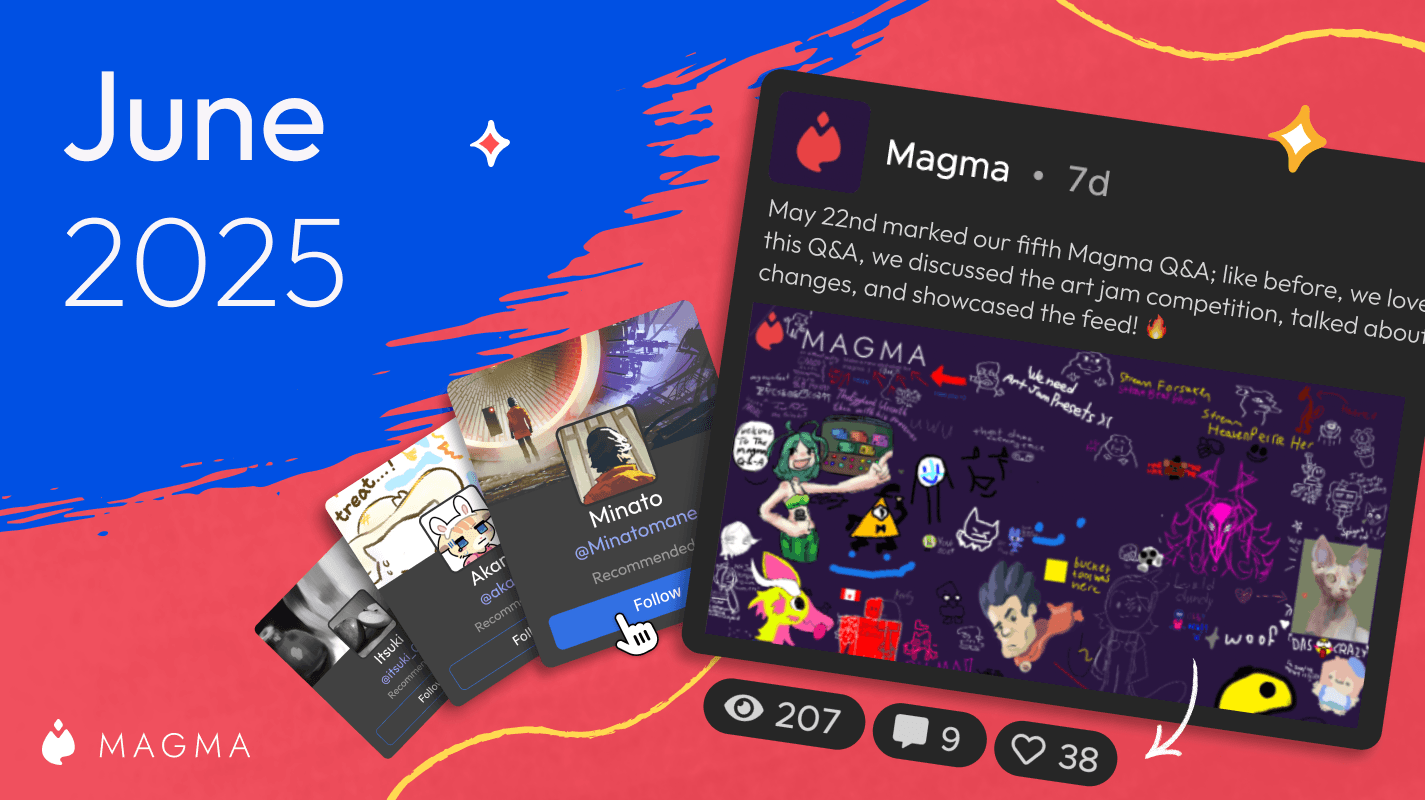
A look at what's new in the first June '25 Magma update.

Ryan Allan
·
April 30, 2025
Annoucing the winners from our first User Gallery contest
Ryan Allan
·
April 17, 2025
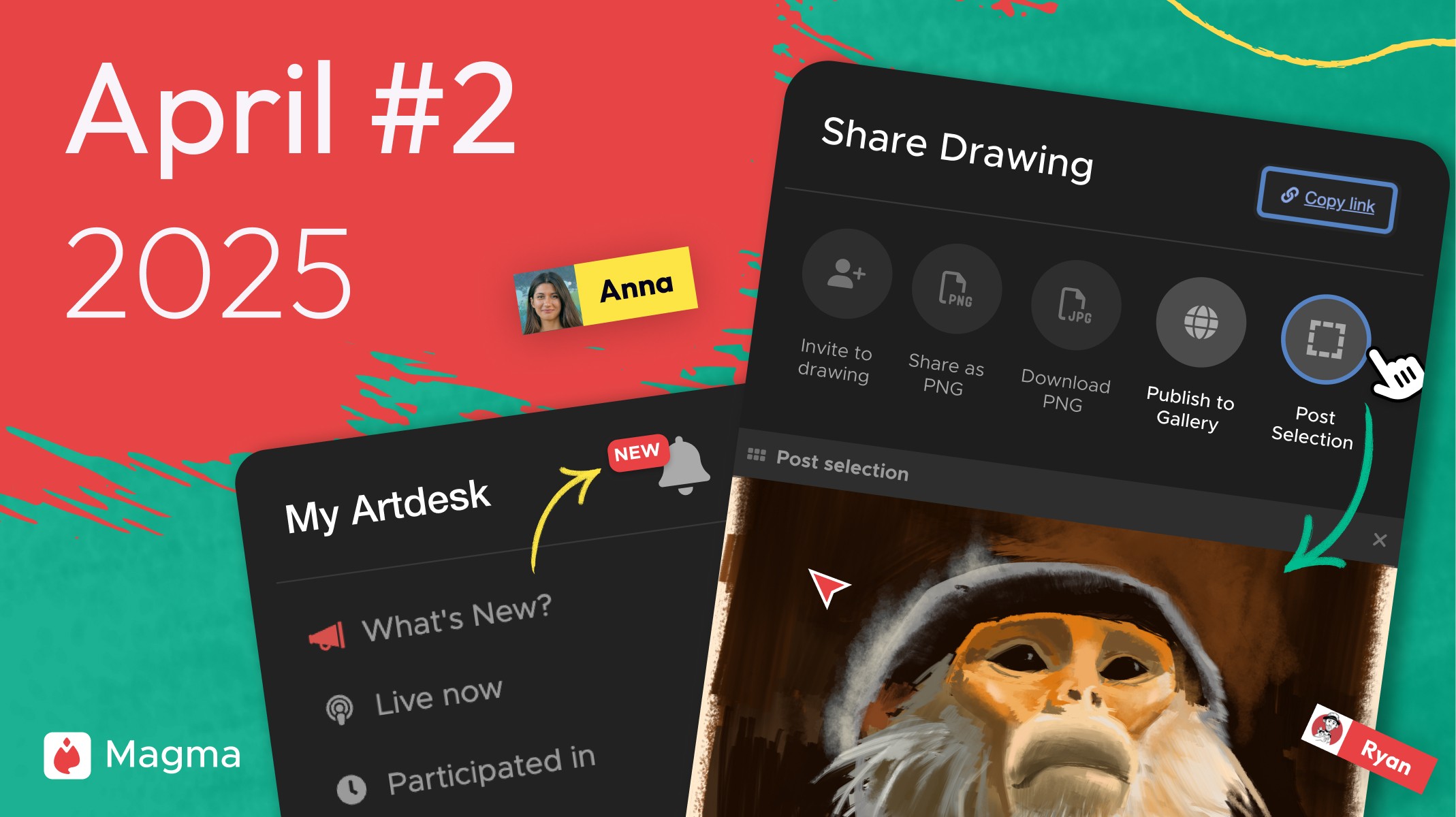
A look at what's new in the second April '25 Magma update.

Ryan Allan
·
April 14, 2025
With the public launch of our User Gallery feature, we want to host a competition. Here's all that you need to know...
Ryan Allan
·
April 9, 2025
A look at what's new in the April '25 Magma update... and it's a big one!
Ryan Allan
·
March 13, 2025
A look at what's new in the first March '25 Magma update...

Ryan Allan
·
Feb 18, 2025
A look at what's new in the latest Magma update...
Ryan Allan
·
Feb 13, 2025
Check out the latest addition to the Magma toolset, and the moset requested feature from our community: the blend tool.
Ryan Allan
·
Jan 15, 2025
Check out the latest addition to the Magma toolset, and the moset requested feature from our community: the blend tool.

Ryan Allan
·
Nov 25, 2024
Check out our latest exciting release which features the much-requested Public Profiles!

Anya Kondratyeva
·
Oct 11, 2024
We’re back with our latest release, helping you make more Magma connections and stay in touch with your drawing pals!
Magma
·
Sep 13, 2024
We’ve updated our Art Jams Terms of Use to allow us to more easily promote outstanding Art Jams. Learn more about this change and what it means for Art Jam joiners!

Anya Kondratyeva
·
Sep 13, 2024
This release introduces Korean translations, offers some important Art Jam updates, and makes Magma faster and more reliable.

Magma
·
August 16, 2024
This release brings UI improvements for Brushes and Layers, improves Reference Window functionality, and includes important security updates and other fixes
Ryan Allan
·
July 12, 2024
This release offers some improvements to the Art Jams experience, plus a couple of helpful bug fixes!

Anya Kondratyeva
·
Jul 10, 2024
We’re launching a rewards program for inviting friends to Magma! When you refer another artist, you’ll both get to save an extra brush preset.
Anya Kondratyeva
·
June 18, 2024
Read our conversation with the team behind Art Pizza Podcast, an artist collective that hosts delightful drawing events in Magma.

Anya Kondratyeva
·
June 20, 2024
This release introduces Art Jams, gives video call and screensharing features to Blaze users, and offers the option to use Magma in Japanese!

Ryan Allan
·
May 10, 2024
Our latest update introduces a new brush engine, the ability to save brush presets, and extra customization options for perspective grids
Magma
·
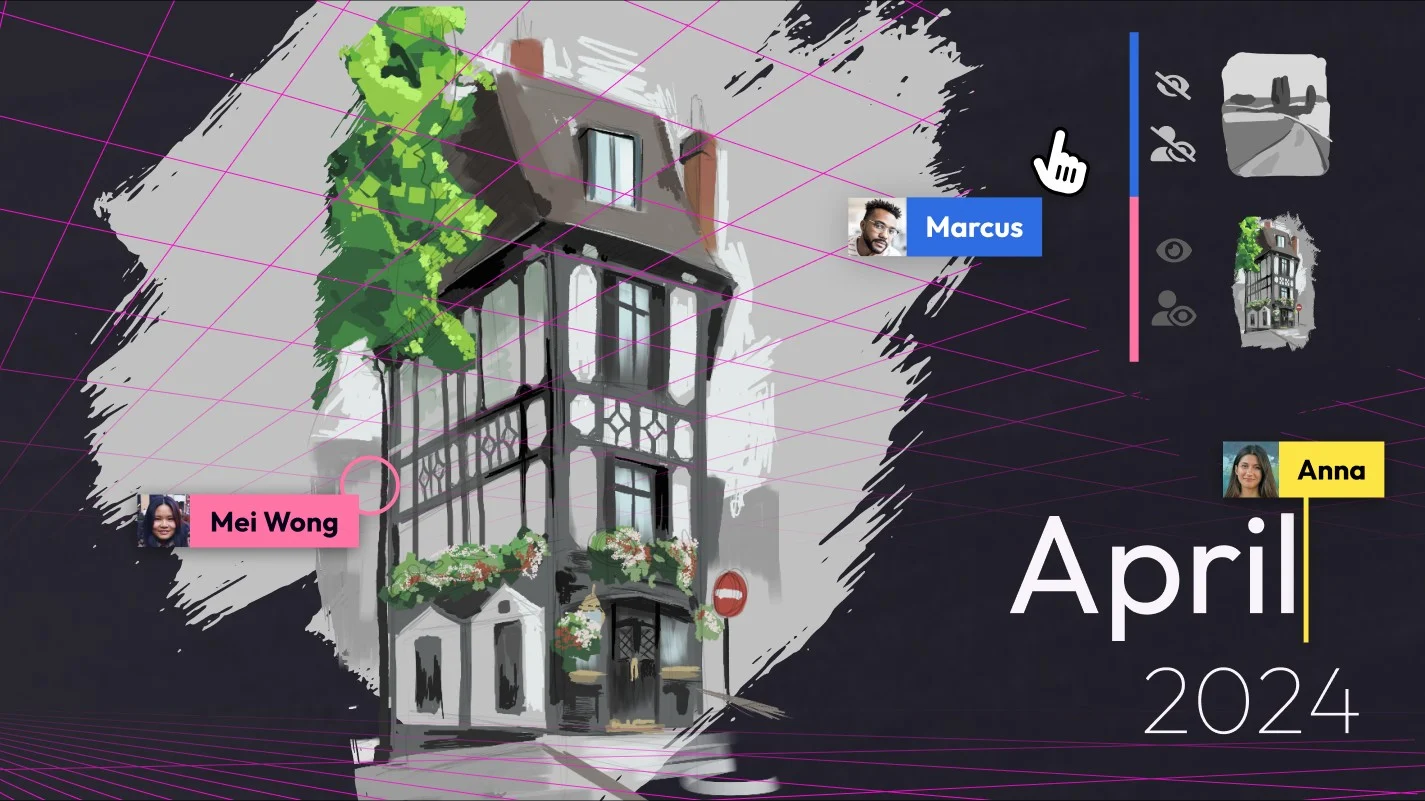
Apr 5th, 2024
This release features the Perspective Grid (Beta) for creating collaborative perspective grids and new layer visibility settings for personalized drawing experiences. Stay tuned for further enhancements including upcoming major brush engine update and consider joining as a beta tester to shape the future of digital art tools.
Ryan Allan
·
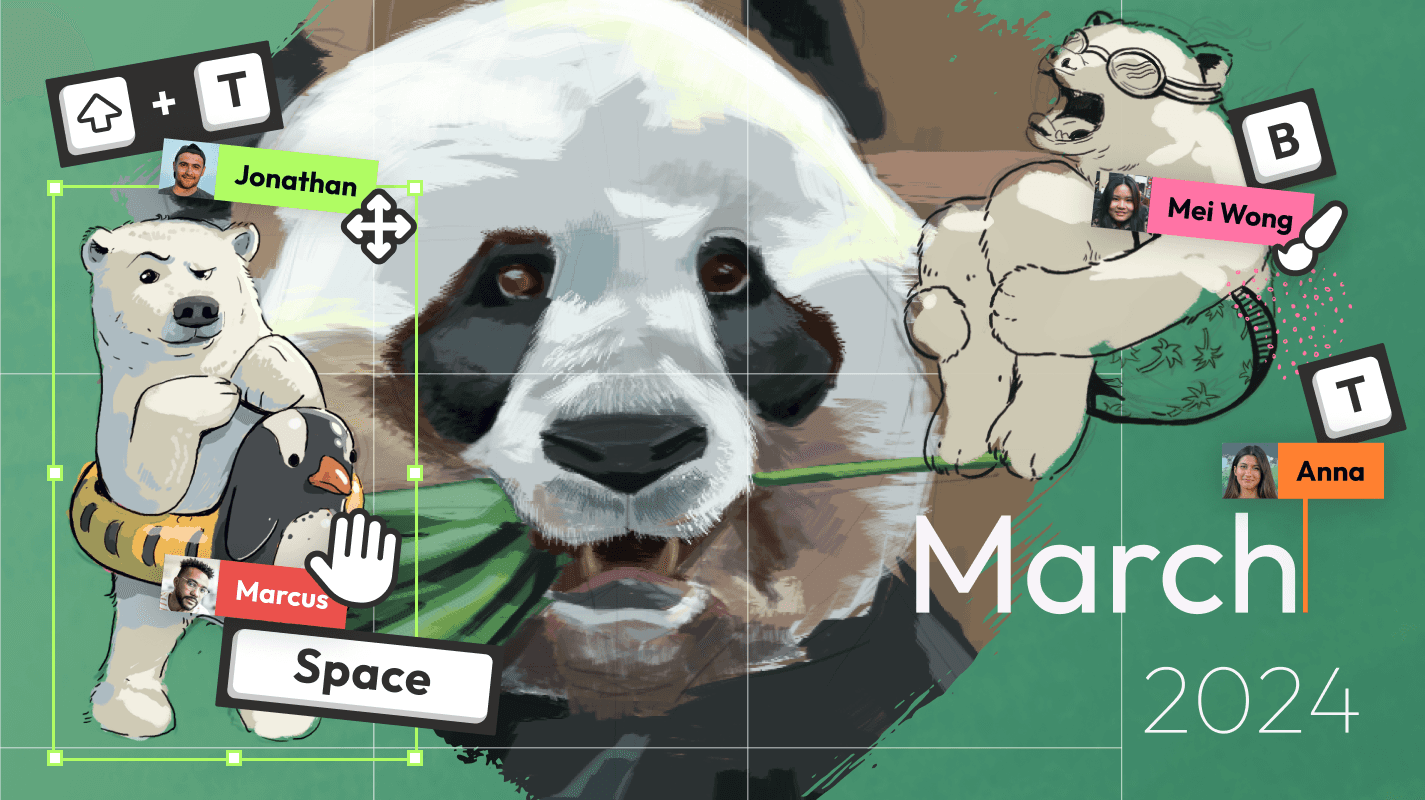
Mar 6th, 2024
This release introduces canvas resizing options and a convenient shortcut (Ctrl+R) for the Reference Window. Additionally, we provide a sneak peek at an upcoming advanced brush engine and inviting community members to participate as beta testers or Ambassadors
Ryan Allan
·
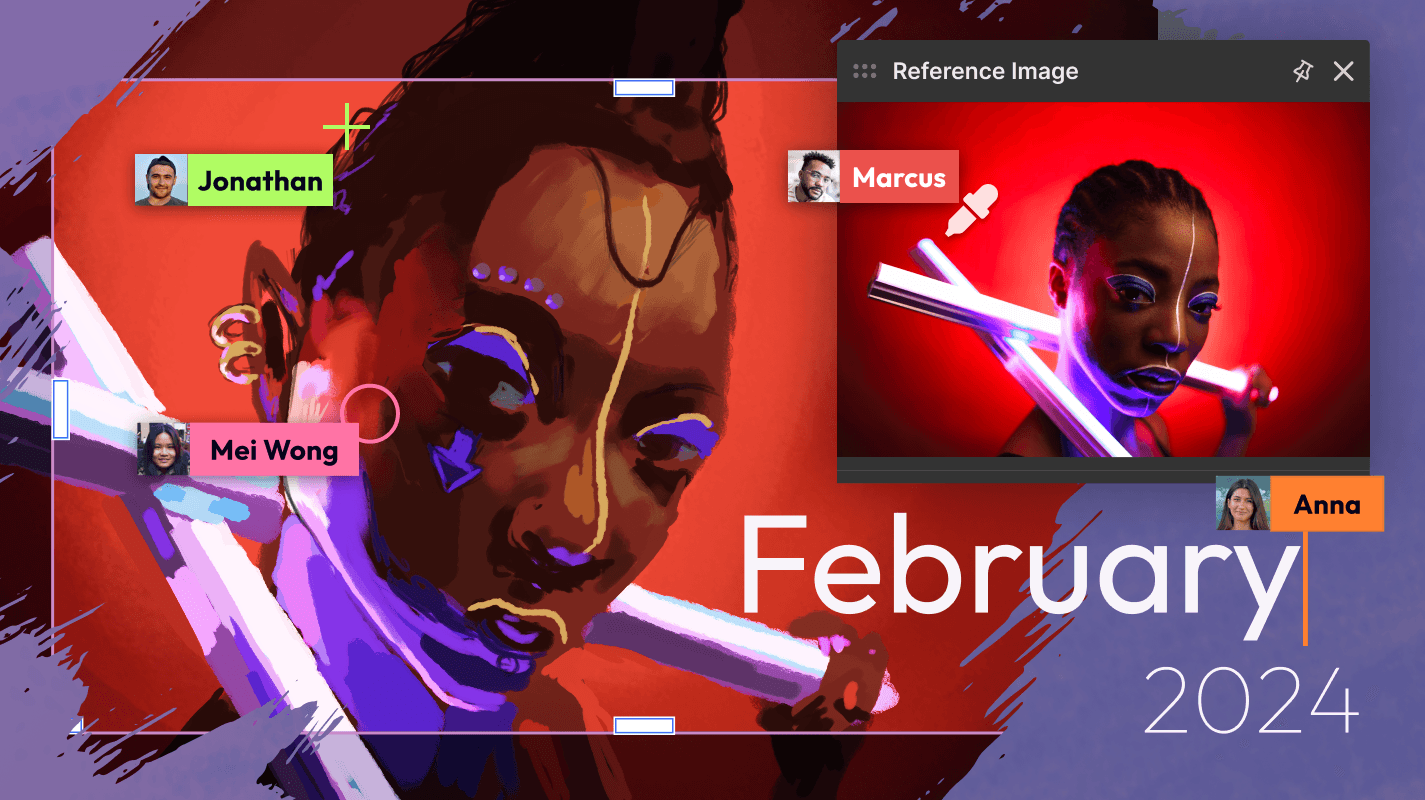
Feb 8th, 2024
Latest update introduces canvas crop tool, motion blur filter, floating reference window, self-served Fusion pricing, and performance enhancements for an upgraded Magma experience.
Ryan Allan
·
Jan 18th, 2024
Latest update with a new grid view, layer trim, user search, Blaze autobuy function and improved performance to elevate your Magma experience
Ryan Allan
·
Nov 3rd, 2023
Latest update with a new dark mode, free textured brushes for all users, and simplified pricing plans to enhance your collaborative art journey.
Magma
·
Oct 12th, 2023
We’re excited to announce some new updates that we’ve been working on behind the scenes to improve your Magma experience: Version History, Text Tool, Community Hub & more