Try the Magma Desktop App [BETA]
May 7, 2026
·
5 min
Test out the new Magma standalone app for Mac and Windows! This is something we are trialing to see if you have a better experience in a dedicated desktop app rather than through the browser. It also gives us some extra freedom to experiment with things like push notifications and multiple windows.
So, if this is something you’ve been waiting for, we’d love to get your input. Here is where you you can download the app for your system:
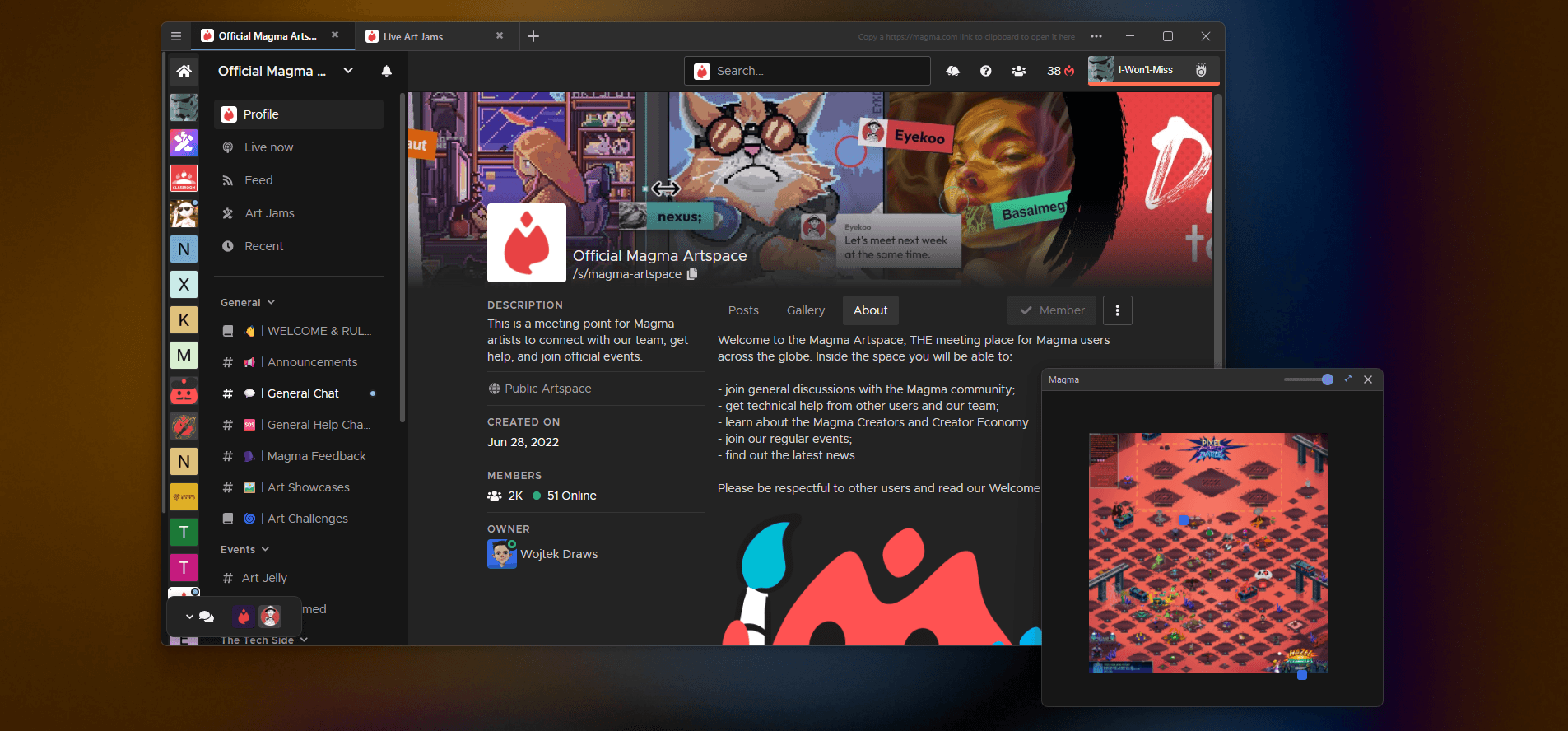
Below is a quick look at the benefits of the standalone app:
Improved performance
You can expect better performance on larger canvases and fewer crashes using the app instead of your browser.
App specific customization with your tablet
Previously, adding custom per-app settings for your drawing tablet applied to the entire browser. Now you can have it specifically for the Magma app. We’ll also be looking at what other tablet customization options could work well with Magma beyond just setting keybinds to the pen and tablet buttons.
A navigator window?
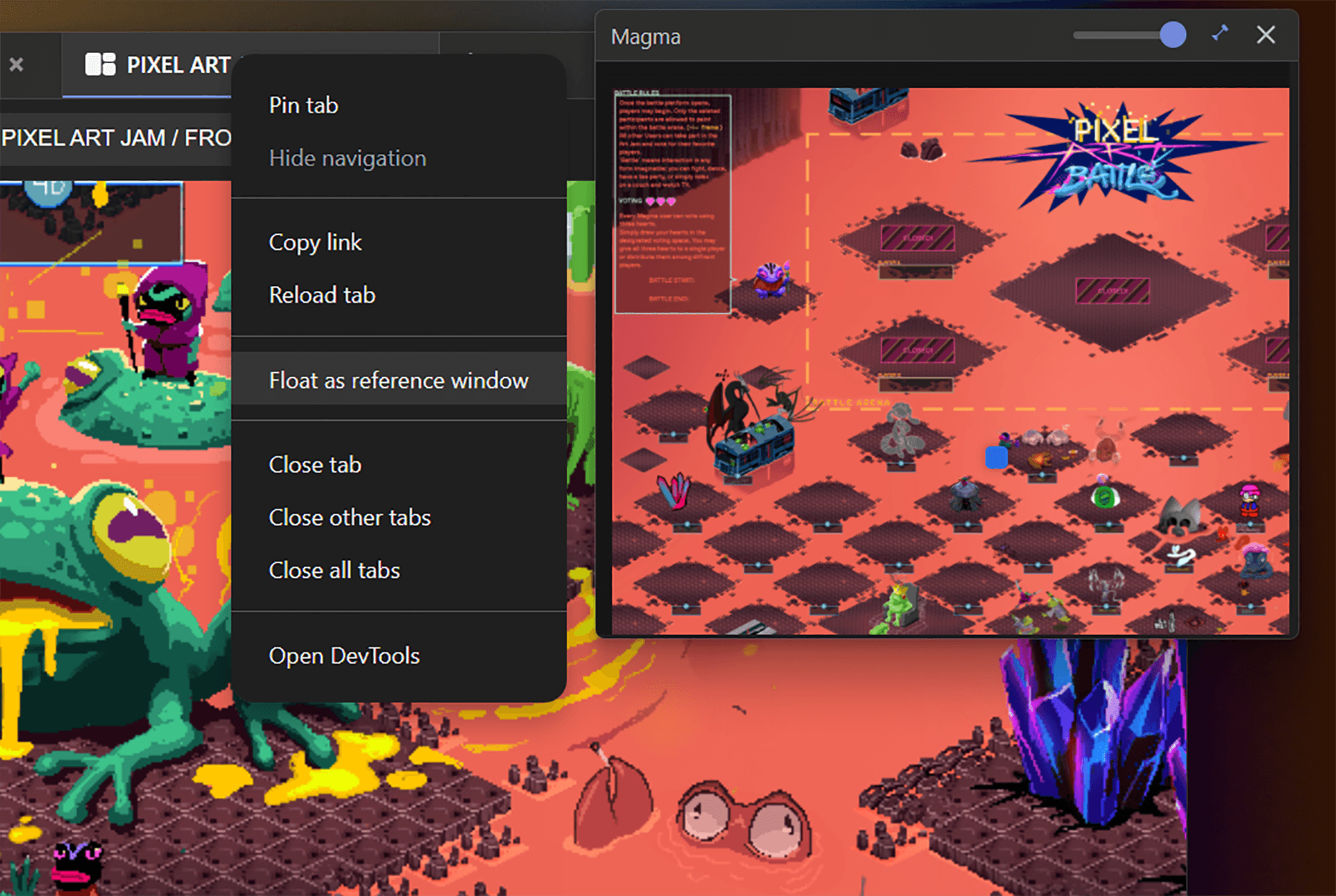
A big feature request on our list has been a navigator window. With the Magma app, you can set a tab as a reference window for when you draw on another. This lets you see the canvas as a whole without needing to zoom out.
To do this, right-click on the drawing tab at the top ofthe window and select Float as reference window. Then hide the Magma UI for that window by pressing TAB.
Multiple reference windows
Instead of only having a single reference image in your normal reference window, now you can open your saved references on Magma in new tabs and set the tabs to floating windows.
Push notifications
Push notifications are a better way to be alerted when someone sends you a message or invites you to canvas. Having a dedicated app makes this a bit easier for us to implement and hopefully improves your experience too, making sure that you don’t miss the opportunity to draw with your friends when they come online.
Finally… this is just a trial
This is a very early beta version of the app, and for now only available on MacOS and Windows systems. We’ll be testing some theories and collecting data on usage and performance. We’d also like to get feedback directly from you about the experience. Did you notice improvements in specific areas? Bugs in others? Or have suggestions for things you’d like added? Then let us know by sending us an email or leave a comment on our beta testing artspace on Magma.
We look forward to your feedback.
Happy Drawing!


관련 기사

Ryan Allan
·
September 17, 2026
Check out the latest creator brush packs added to Magma.

Ryan Allan
·
Sept 3, 2026
Read about the new Scheduled Art Jams feature and updated creation flow for Jams.

Ryan Allan
·
June 12, 2026
Stay up-to-date with your art friends by enabling push notifications!
Ryan Allan
·
May 29, 2026
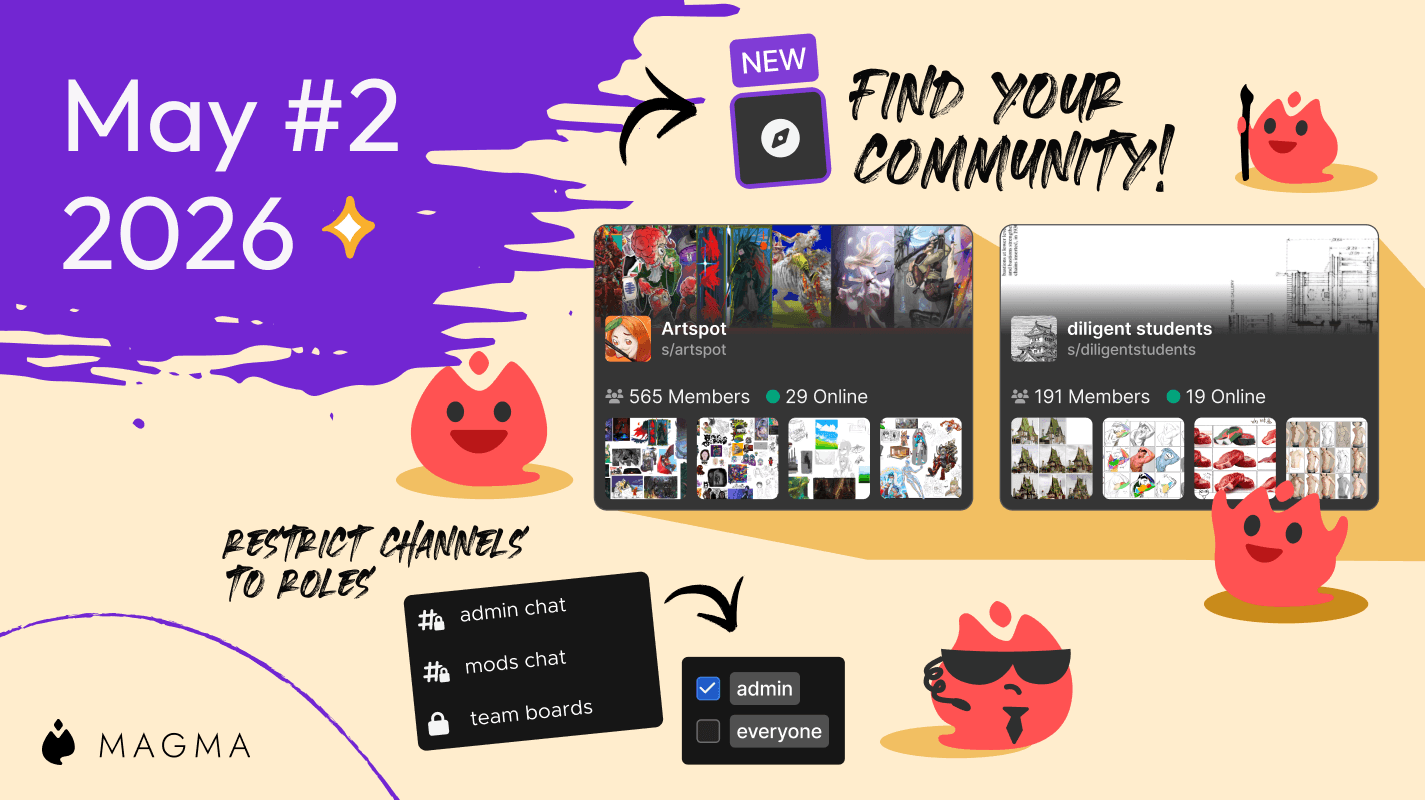
Discover awesome communities with Artspace listing, and use roles to restrict channel access in your space.
Ryan Allan
·
May 7, 2026
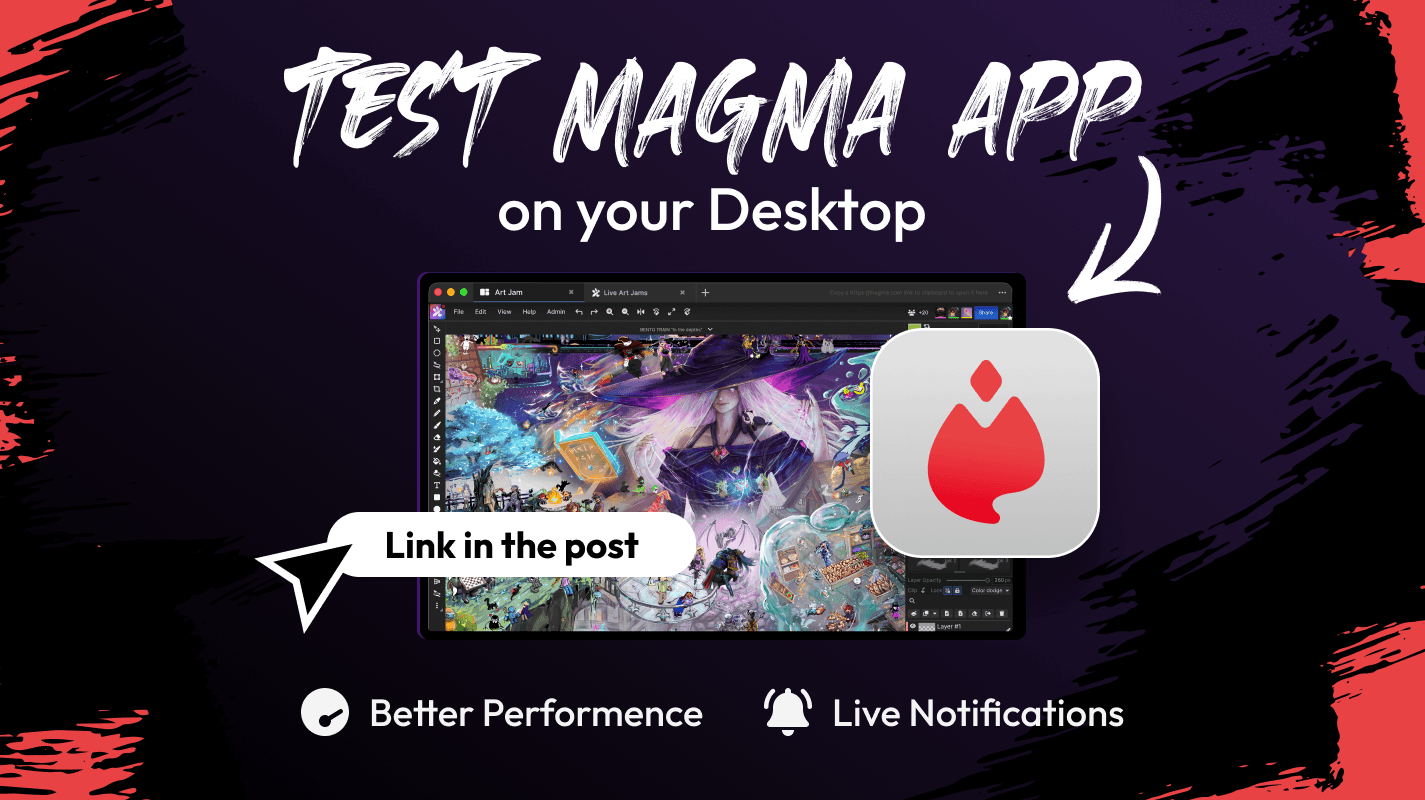
The Magma standalone desktop app is now available for testing.
Ryan Allan
·
May 1, 2026
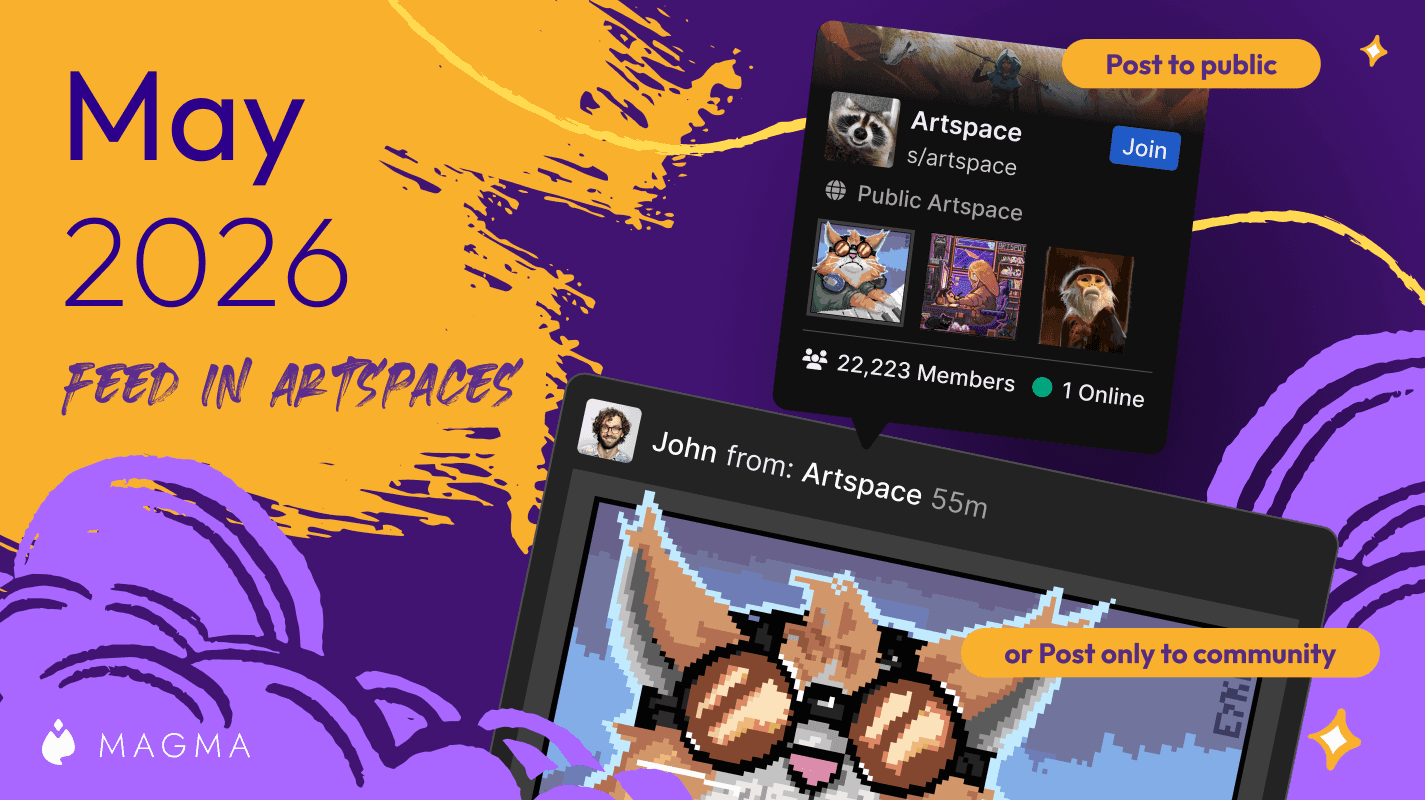
We've upgraded Artspaces even more!
Ryan Allan
·
April 10, 2026
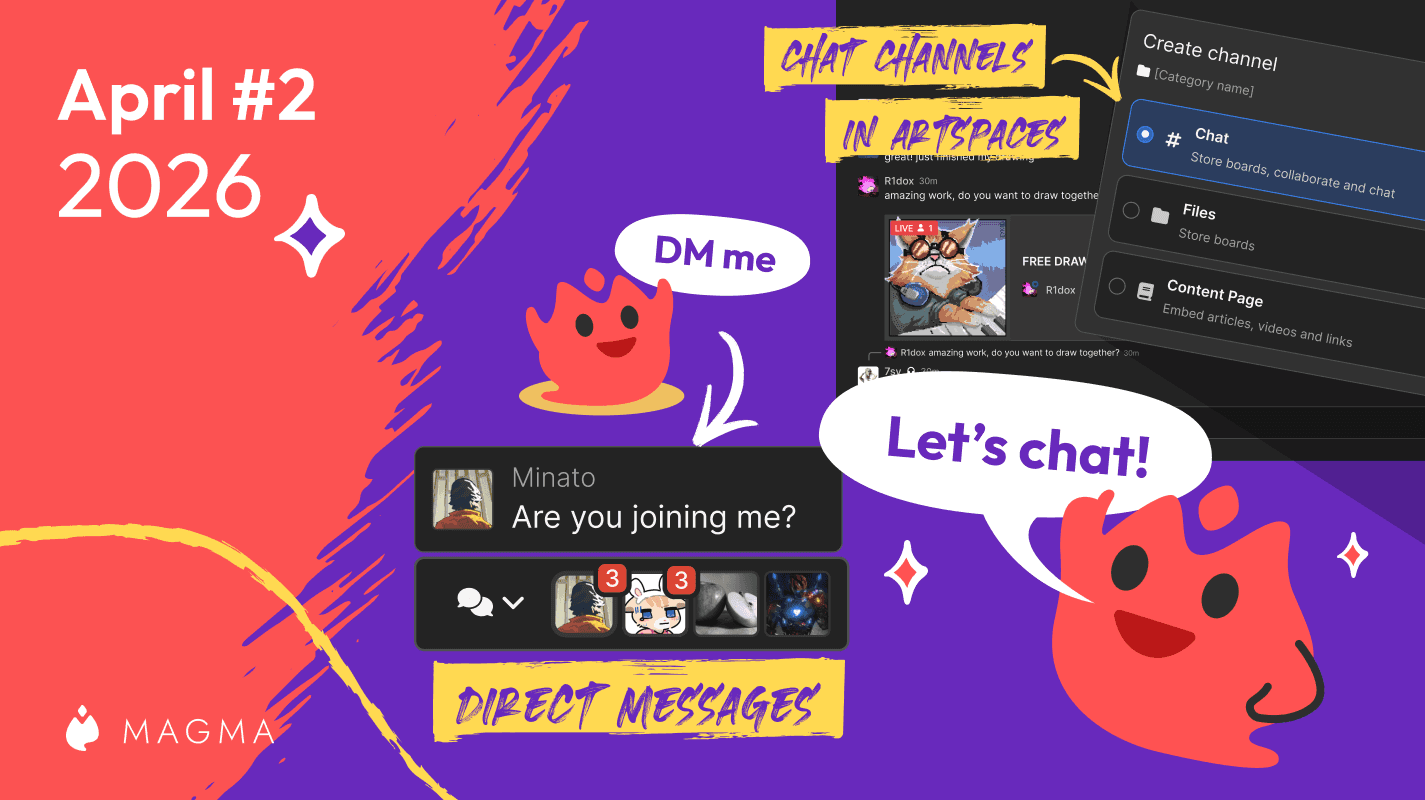
See what's new with Magma's upgraded chat system!
Ryan Allan
·
April 2, 2026
We've improved the blocking system in Magma, and added controls for brush texture depth.
Ryan Allan
·
March 18, 2026
Two new creator brush packs and a whole lot more texture for your brushes.
Ryan Allan
·
February 11, 2026
In this update, we bring you some news and improvements to Artspaces as well as a new Participants List
Ryan Allan
·
January 1, 2025
Check out some stats as we look back at 2025, and how to view your own round-up of your activity on Magma
Ryan Allan
·
December 18, 2025
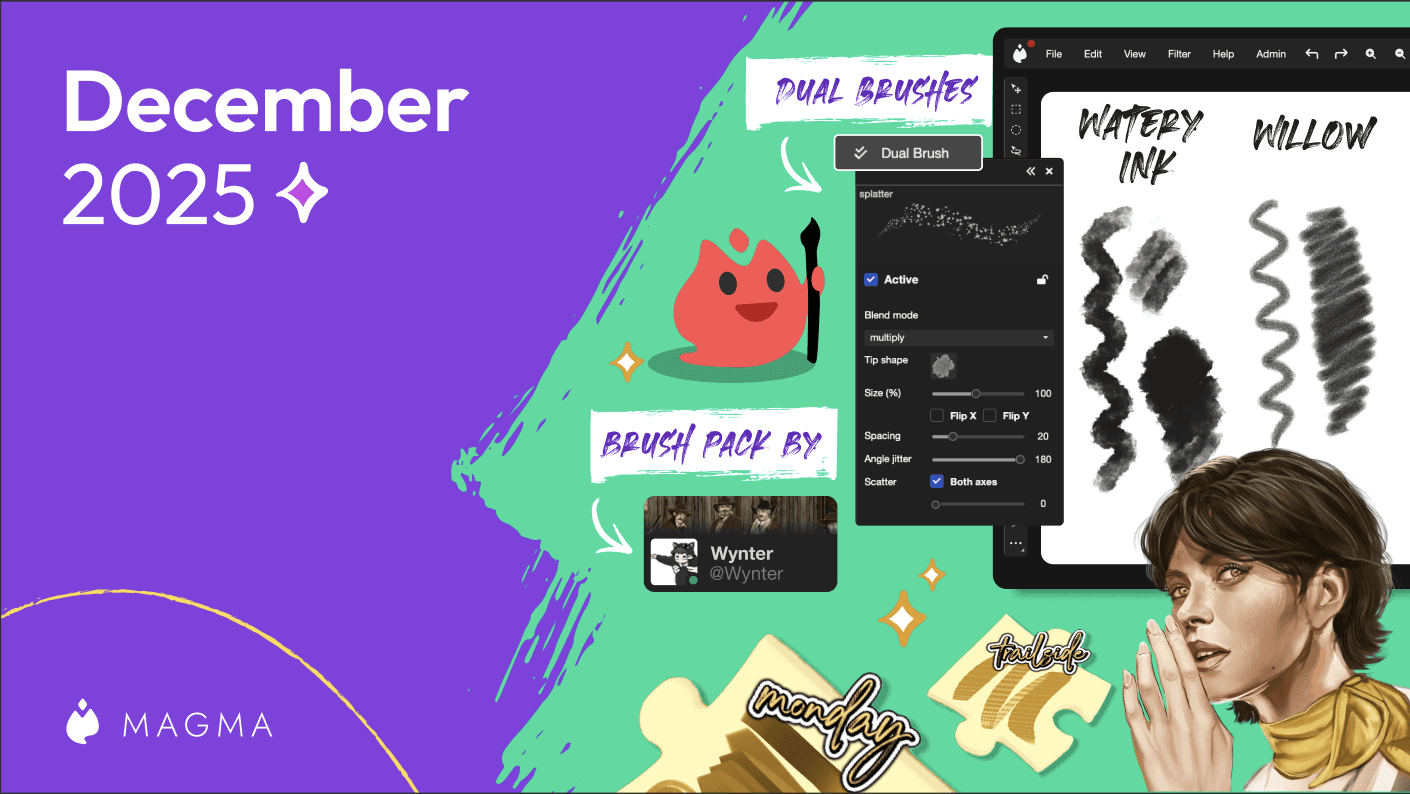
In this update, we bring you some new brushes as well as the Dual Brush setting.
Ryan Allan
·
Jan 15, 2025
Magma's Multiboard feature unlocks quiute a few possibilities, one of those being a sort of infinite canvas.
Ryan Allan
·
November 28, 2025
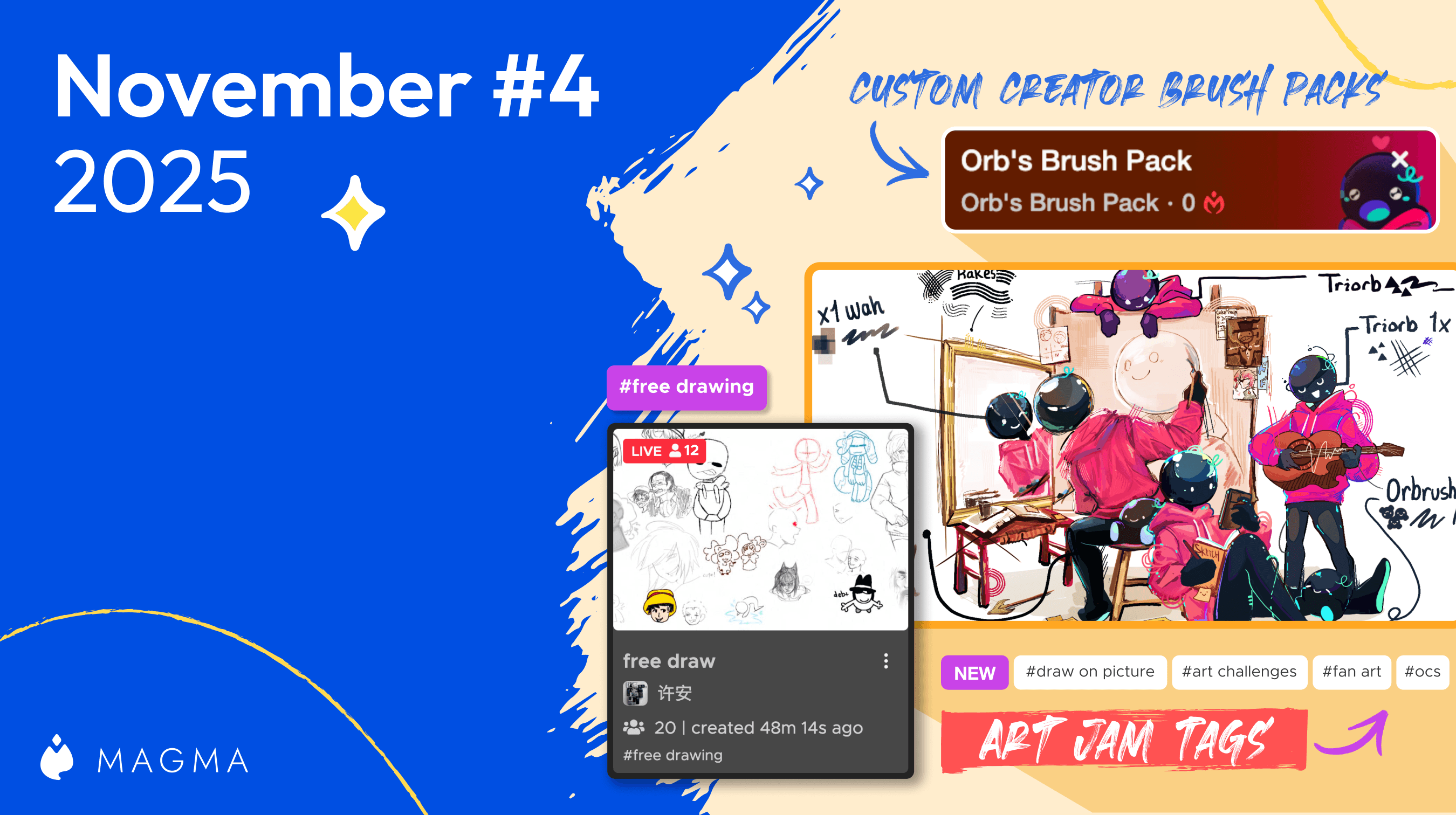
We're excited to be partnering with Orb to share a free custom brush pack to use in Magma.
Ryan Allan
·
November 24, 2025
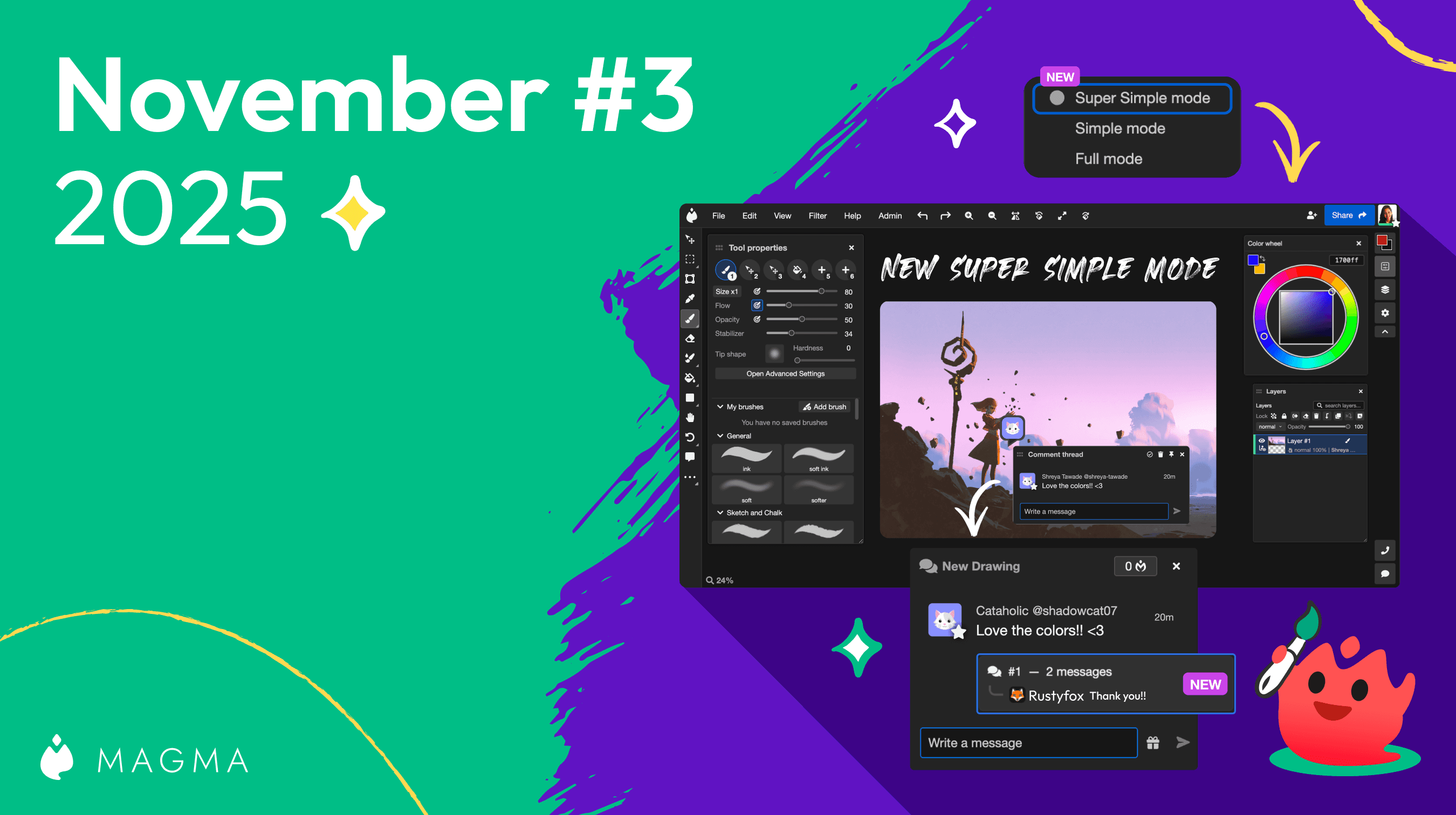
We've got some improvements to Super Simple Mode and Comment threads
Ryan Allan
·
November 13, 2025
We've got some improvements to the new Homepage and Liquify, and Multiboard
Ryan Allan
·
November 6, 2025
To keep Magma's environment safe and healthy for artists, we have updated our Community Guidelines.
Ryan Allan
·
October 25, 2025
We've got some improvements to the new Homepage and Liquify, and Multiboard
Ryan Allan
·
October 9, 2025
Make adjustments to proportions and posing with the new Liquify tool in Magma.

마그마
·
October 2, 2025
Browsing multiboards just got easier, plus new fonts and brush panel controls
Ryan Allan
·
September 25, 2025
We're leveling up the collaboration possibilities with a new Remixing feature!
Ryan Allan
·
September 4, 2025
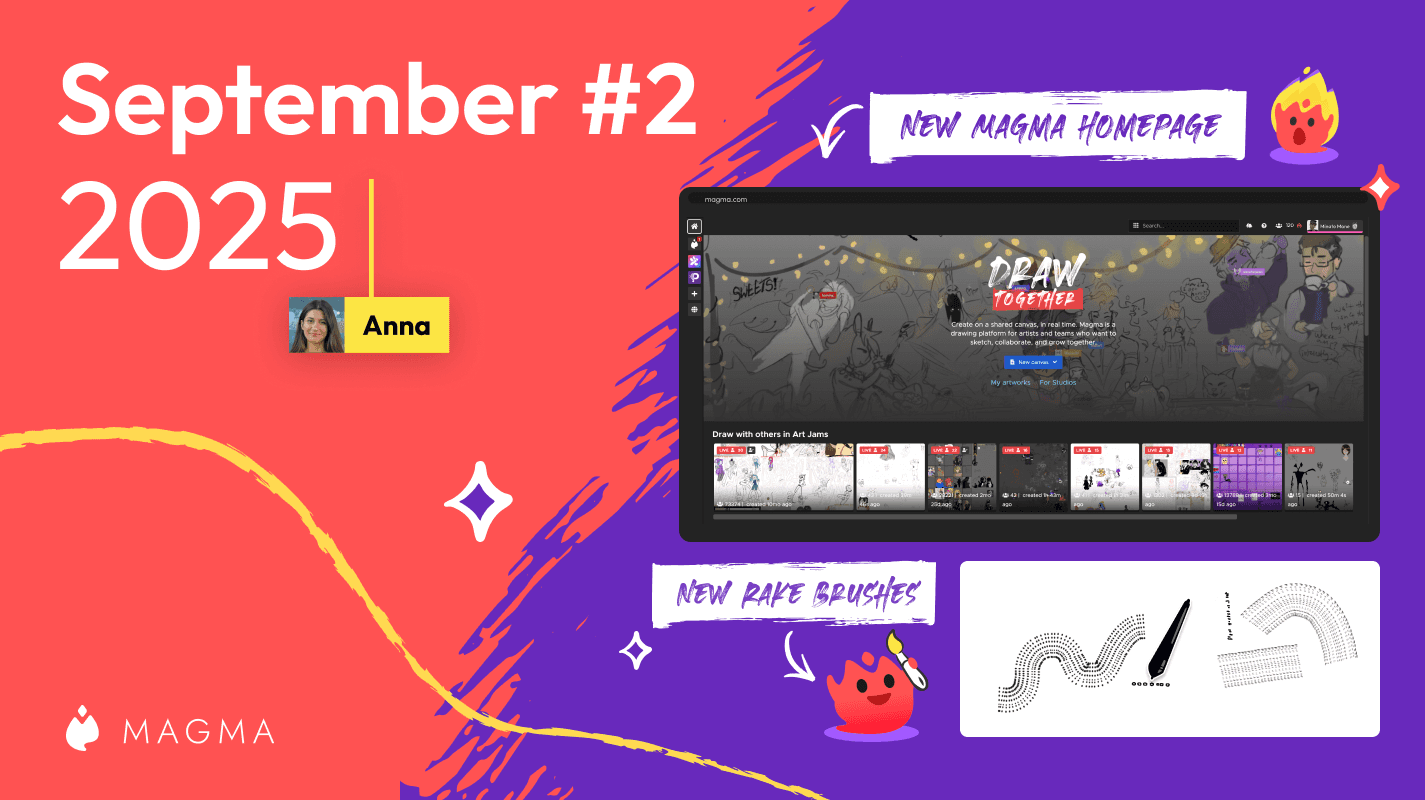
Introducing our new homepage where you can discover awesome art from Magma users across the globe.
Ryan Allan
·
September 2, 2025
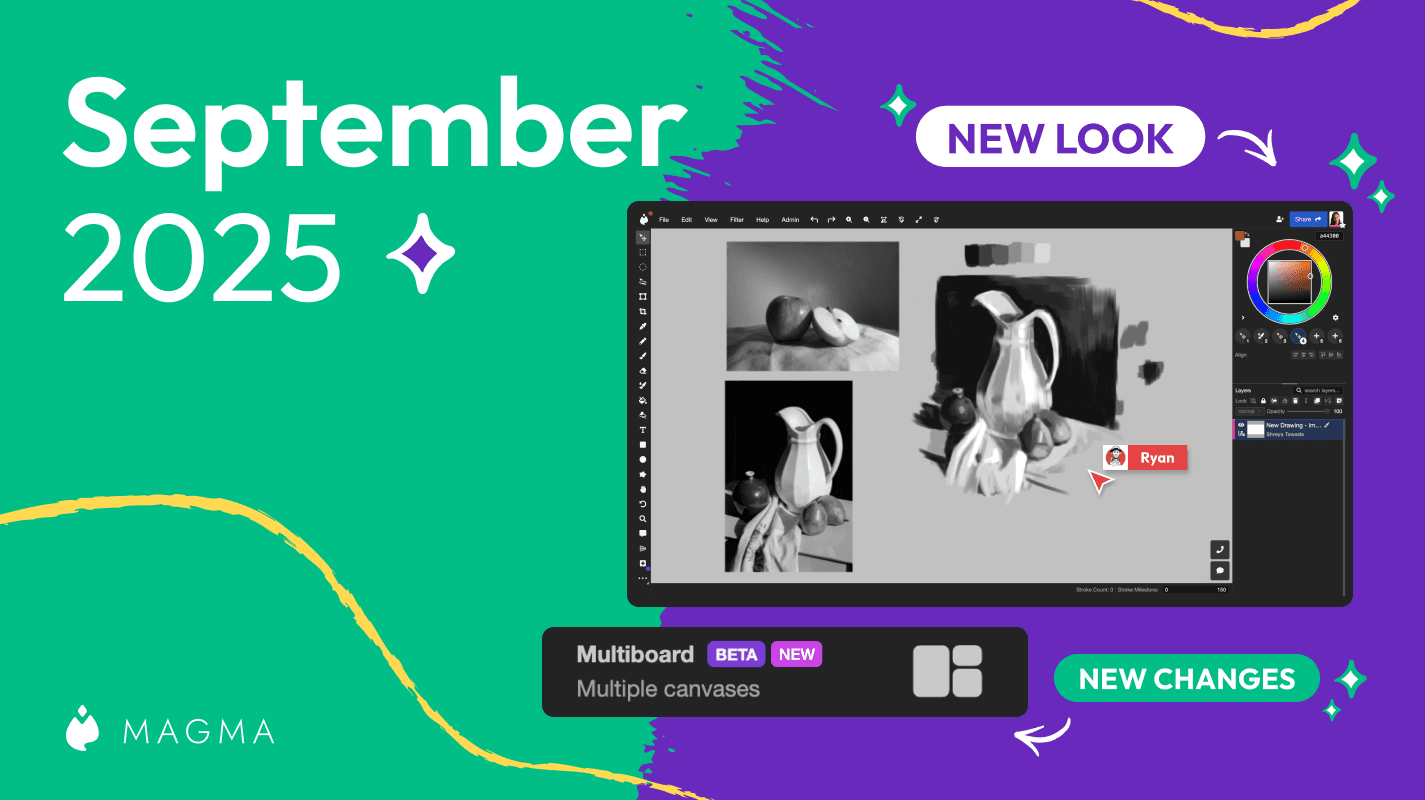
Introducing an update to the Magma UI as well as our much anticipated Multiboard feature
Ryan Allan
·
August 19, 2025
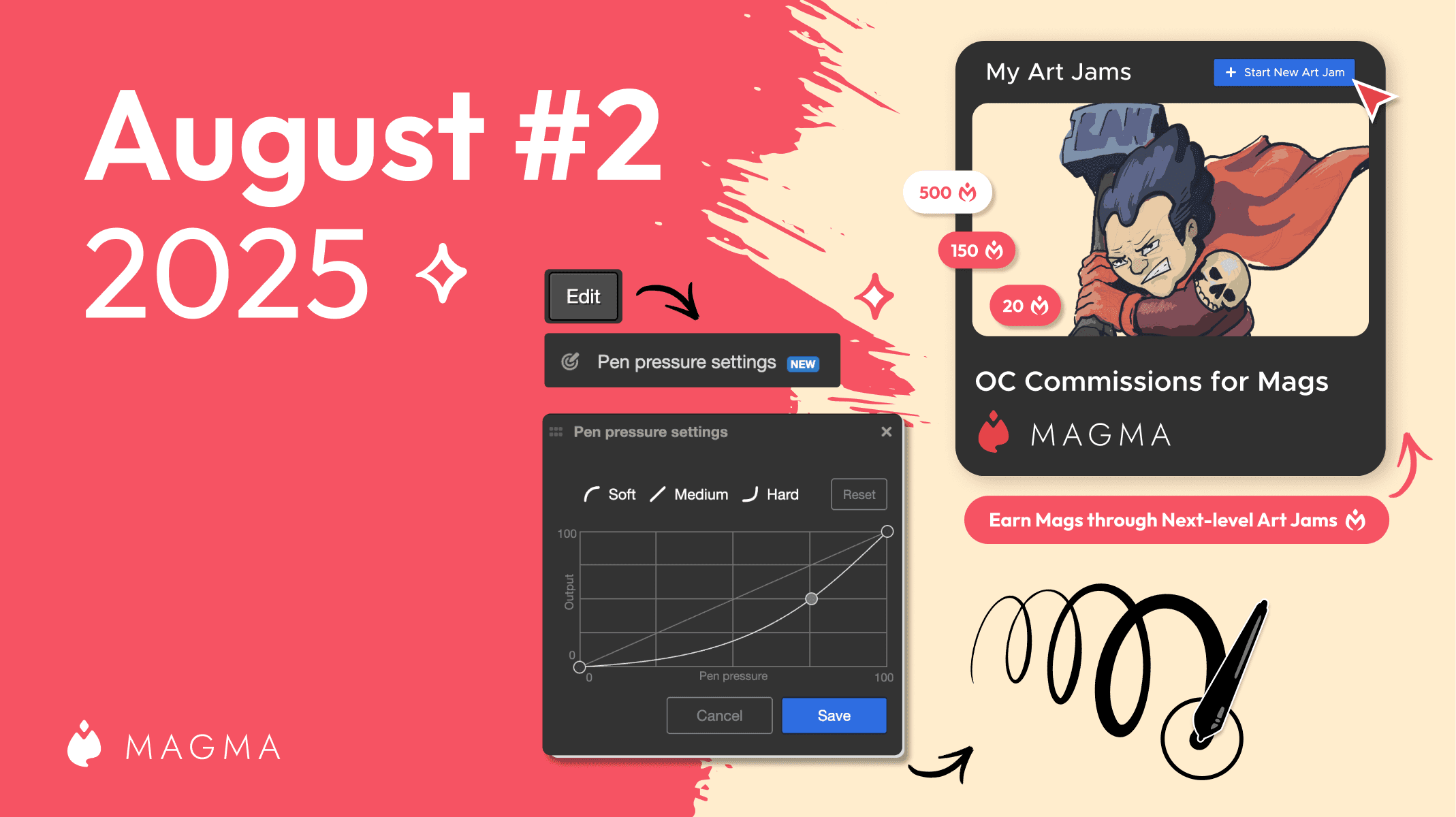
Check out what's new in Magma including a customizable pressure sensitivity curve and the ability to add an entrance fee for Art Jams

Ryan Allan
·
August 6, 2025
Introducing a new project at Magma to support our artists, one Mag at a time.
Ryan Allan
·
9 July, 2025
A look at what's new in the first July '25 Magma update.

Ryan Allan
·
June 24, 2025
A look at what's new in the second June '25 Magma update.
Ryan Allan
·
June 13, 2025
A look at what's new in the first June '25 Magma update.

Ryan Allan
·
April 30, 2025
Annoucing the winners from our first User Gallery contest
Ryan Allan
·
April 17, 2025
A look at what's new in the second April '25 Magma update.

Ryan Allan
·
April 14, 2025
With the public launch of our User Gallery feature, we want to host a competition. Here's all that you need to know...
Ryan Allan
·
April 9, 2025
A look at what's new in the April '25 Magma update... and it's a big one!
Ryan Allan
·
March 13, 2025
A look at what's new in the first March '25 Magma update...

Ryan Allan
·
Feb 18, 2025
A look at what's new in the latest Magma update...

Anya Kondratyeva
·
2024년 7월 10일
친구를 Magma에 초대하면 리워드 프로그램을 시작합니다! 다른 아티스트를 추천하시면, 두 분 모두 추가 브러시 프리셋을 저장할 수 있습니다.
Anya Kondratyeva
·
2024년 6월 18일
창의적인 그림 이벤트를 주최하는 아티스트 모임인 Art Pizza Podcast 팀과의 대화를 읽어보세요. 이들은 Magma에서 즐거운 드로잉 행사를 개최하고 있습니다.

Anya Kondratyeva
·
2024년 6월 20일
규칙과 모범 사례를 보려면, 다른 사람들과 캔버스에서 협업하는 방법에 대한 블로그 게시물을 확인하세요. 여기에는 디지털 아티스트와 창의적인 전문가를 위한 혁신적이고 명확한 UI 언어로 설명되어 있습니다.