E-cha (絵チャ): the Japanese way to draw and chat together online
E-cha (絵チャ), short for oekaki chat, is a shared canvas with a chat attached: everyone draws on the same picture and talks while they do it. Here's where it comes from, starting with the first oekaki boards, how to host one, and the etiquette that keeps it fun.


01ABOUT
What is e-cha (絵チャ), and what is oekaki?
E-cha (絵チャ, said "eh-cha") is short for お絵かきチャット (oekaki chat), also written 絵チャット or 絵茶, a pun on お茶 (tea). In English it's usually called a drawing chat. Several people draw on one canvas at the same time, each line shows up on everyone's screen as it's drawn, and there's a chat beside it. The drawing comes first and the chat second. (Japanese Wikipedia: oekaki chat)
E-cha grew out of oekaki. お絵かき (oekaki) is the everyday Japanese word for drawing. Online, it came to mean drawing directly in a web page, with a small paint tool built into the site instead of a separate app.
It started with oekaki boards (お絵かき掲示板). In 1999, Japanese sites began pairing a message board with a Java applet paint tool such as PaintBBS, and later Shi-Painter, so people could draw a picture and post it in the same place. The idea spread quickly, and boards appeared on English-language fan sites too, often running ChibiPaint, a Java applet used mostly on English-speaking sites. (Japanese Wikipedia: oekaki boards)
Most early boards and chats ran on Java or Flash. When Chrome and then Firefox dropped Java plug-ins (Firefox in 2017) and Flash ended in 2020, those tools stopped working. Today's drawing chats run on HTML5 in any modern browser, and many work on phones and tablets too.
Why people love it: you see how other artists draw, up close and in real time. You pick up ideas, you keep drawing because friends are waiting, and a quiet evening turns into a group piece.
02FEATURES
What you can do in a drawing chat
- Make one picture together with friends
- Pick a prompt and have everyone draw the same subject
- Doodle while you talk and get to know new people
- Learn by watching other artists draw in real time
- Stay on a call while everyone works on their own piece
- Draw each other's OCs, or fan art of a shared favorite
03HOW TO
How to host a drawing chat
These steps work on any drawing chat site. Magma is used as the example.
Pick a site
Decide whether you're drawing only with friends or with strangers too, and whether you want to talk by voice. A browser-based site lets everyone join without installing anything.
Create or join a room
Start your own room or join a public one. In Magma, a room is a canvas: sign up free, then create a new canvas.
Send the link
Share the room link in your group chat. If you don't want strangers dropping in, check the room's password or sharing settings first.
Say hi, then draw
Say hello in the chat when you arrive. If the site has layers, draw on a layer of your own so nobody erases anyone else's work by accident.
Talk, draw, then save
Chat or talk by voice while you draw. Before posting the finished piece on social media, ask everyone who drew on it.


04CHOOSE
How to choose a drawing chat site
| What to look at | Questions to ask | On Magma |
|---|---|---|
| Browser or app | Does it run in the browser without installing? Does it work on phones and tablets? | Runs in any modern browser. Desktop apps for Windows and Mac (Apple silicon); on phones and tablets, add it to your home screen |
| Room size | How many people fit in one room? | Up to 30 people on one canvas (50 on Blaze), and hundreds on one artboard |
| Voice | Text chat only, or voice too? | Text chat and voice chat, both on the free plan |
| Drawing tools | How many layers? Pen pressure? A stabilizer? How big can the canvas be? | 60 layers and canvases up to 4,096×4,096 px on the free plan; pen pressure and tilt, stabilizer |
| Troll protection | Private rooms, permissions, a way to remove people, rewind or history? | Each layer belongs to the person drawing on it. Permissions, removing and blocking, reporting, and restoring from version history |
| Sign-up and price | Do you need an account? What's free? | A free account is required. The core features are free; Blaze is $9.99/month |
| Saving and export | Is the drawing kept? Which formats can you save? | Every stroke saves to the cloud. Export PNG or JPEG, or a PSD that keeps its layers |
The sites below are described from their own pages, checked on 26 September 2026. Sites change, so check each one for the latest.
05PICK UP
Drawing chat sites to know
06IDEAS
Ways to play
07MANNERS
Drawing chat etiquette
- Say hello when you arrive
- Don't erase or draw over anyone else's work. If you'd like to add to it, ask first
- Follow the room's rules and prompt
- Leave room for others: don't take over the whole canvas
- Ask everyone who drew before you save or post a group piece, and credit them
- Keep the chat kind, and skip topics that make the room uncomfortable
Etiquette for Magma's Art Jams and shared canvases is covered in Art Jams and sharing a canvas: best practices.
08SAFETY
How to handle trolls in a drawing chat
- If you only want to draw with friends, use a private or password-protected room
- Use permissions to limit who can draw and what they can do
- Don't feed the troll: remove and block them instead
- Use rewind or history to go back to the canvas before it was ruined
- Report rule-breaking to the site
In Magma, each layer belongs to the person drawing on it, and nobody else can draw on a layer someone is using, so your lines are hard to paint over. Canvas owners can set permissions, remove and block people, and restore an earlier state from version history (7 days on the free plan).
09ON MAGMA
E-cha on Magma
Magma is a drawing chat with real painting tools. Pressure-sensitive brushes, blending paint and layers are free in the browser, and you can talk over voice chat while you draw on the same canvas. You see every stroke as it's painted, so it feels like drawing side by side.
Up to 30 people can draw on one canvas (50 on Blaze), and hundreds can gather on one artboard. With a Multiboard you can lay out comic pages or webtoon panels on an infinite canvas and draw them together. Everything saves to the cloud, and you can export a PSD that keeps its layers.
More than 5M artists have joined Magma, and the whole app is available in Japanese too. Magma in Japanese
103 WAYS
3 ways to start a drawing chat on Magma
Made together in Magma
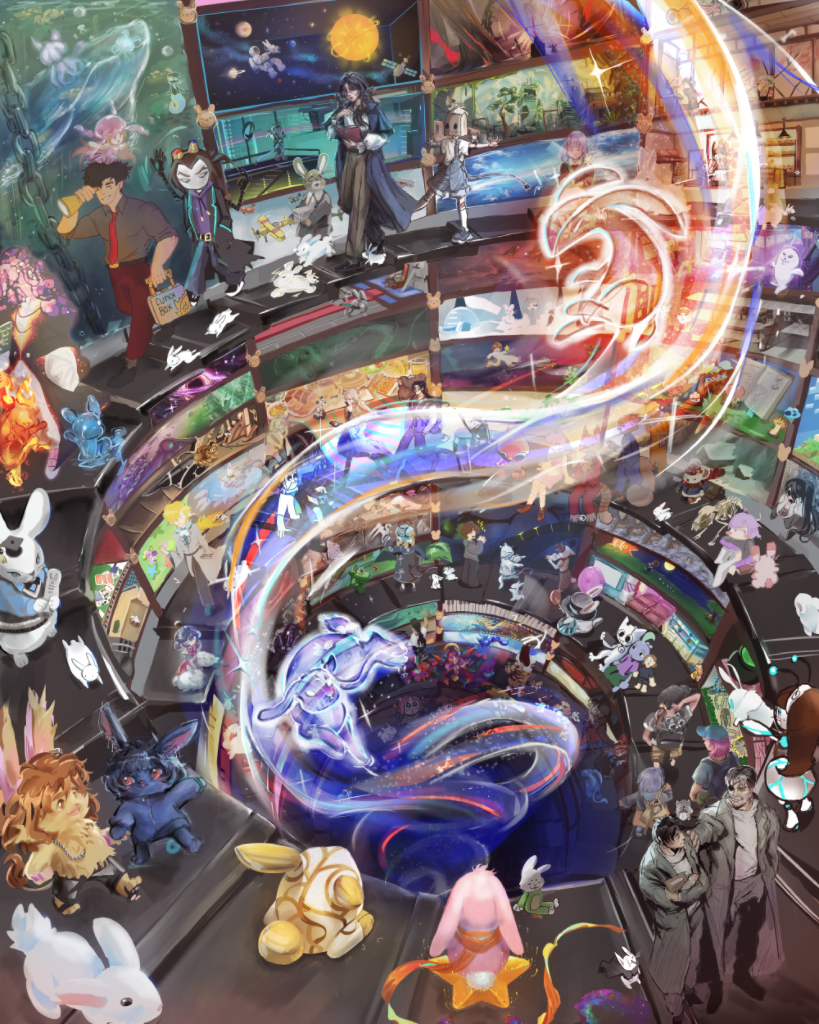
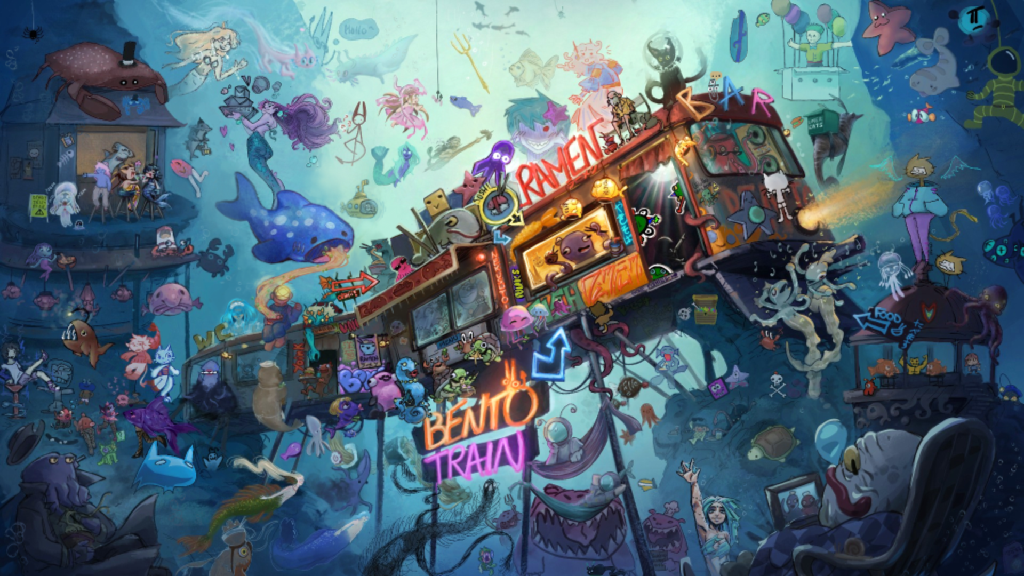
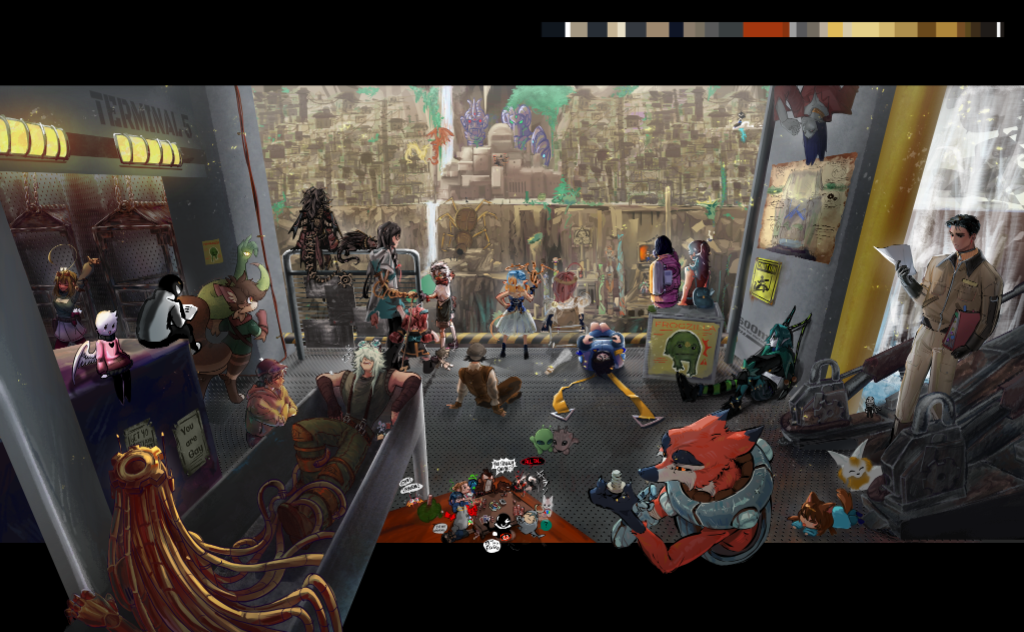
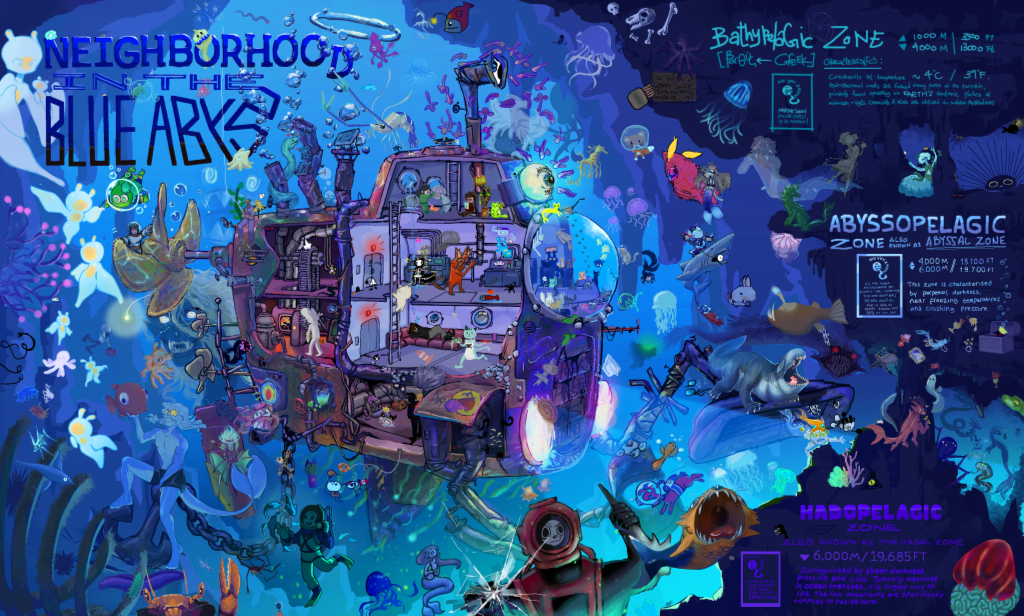
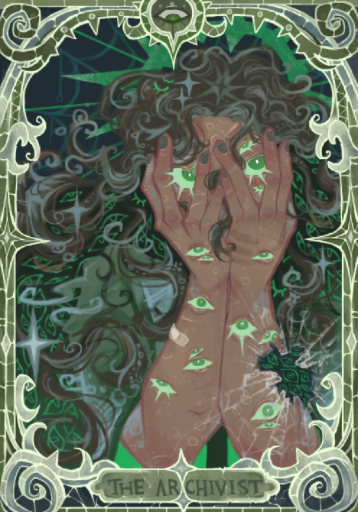
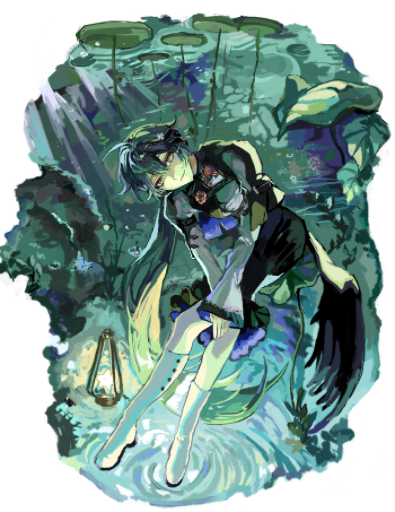
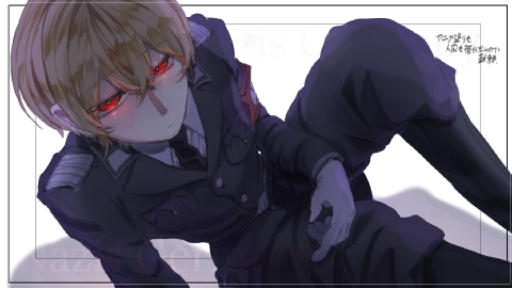
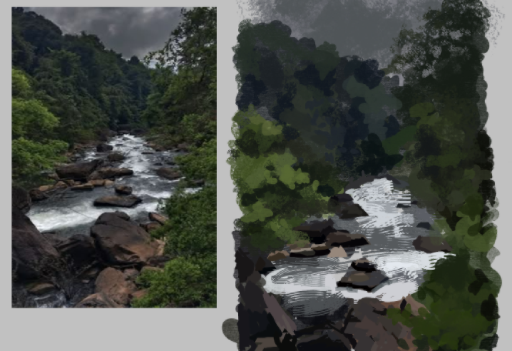
Featured works from the community
Frequently asked questions
What does e-cha (絵チャ) mean?
絵チャ (e-cha, said "eh-cha") is the Japanese short form of お絵かきチャット, oekaki chat: a drawing chat. You'll also see 絵チャット and 絵茶.
What does oekaki mean?
お絵かき (oekaki) is the everyday Japanese word for drawing. Online, it means drawing right in the browser, a tradition that began with Japanese oekaki boards in 1999.
What is a drawing chat?
A drawing chat is a shared online canvas with a chat attached. Several people draw on the same picture at the same time and talk by text or voice while they do it.
Is an oekaki board the same as a drawing chat?
Not quite. On an oekaki board, you draw a picture in the browser and post it to a message board. A drawing chat is live: everyone draws on one canvas together and chats at the same time.
What happened to the old oekaki sites?
Many ran on Java or Flash, which browsers no longer support (Firefox dropped Java plug-ins in 2017 and Flash ended in 2020). Some were rebuilt in HTML5 and others closed. Today's drawing chats run in any modern browser.
Is there a free drawing chat?
Yes, most drawing chat sites are free. On Magma's free plan, up to 30 people can draw on one canvas with voice and text chat and up to 60 layers.
Can I join a drawing chat on my phone or iPad?
Yes, if the site runs in the browser. Magma runs in the browser and opens like an app when you add it to your home screen. On iPhone and iPad, use Safari for voice chat. How to use Magma on your smartphone
What should I do if someone trolls the canvas?
Don't react: tell the room owner. Owners can remove and block trolls, and many sites can rewind the canvas. On Magma you can remove, block and report people, and restore the canvas from version history.
Can I post a drawing chat piece on social media?
Ask everyone who drew on it first, and credit them when you post. Saying it's a collab avoids misunderstandings.
How do I draw with strangers?
Join a public room. On Magma, a live Art Jam lets you draw a prompt with artists from around the world.
Keep exploring
Your next canvas is one click away. No download needed.
Start drawing free