BrushesEvery Magma brush, with a real stroke from each one
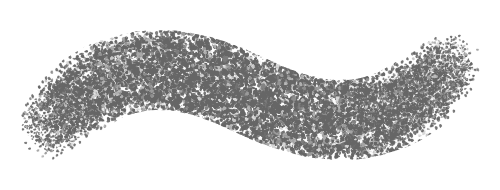
Every stroke on this page was painted by Magma's own brush engine, the same one you draw with in the app. Find a brush you like, then open a canvas and try it. Free, in your browser.
Start drawing freeSee all Magma featuresBuilt-in brush sets
Press B on any canvas to open the brush list. The sets below are in it for everyone, on every plan.
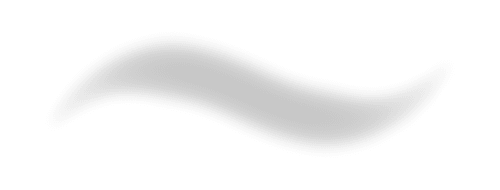
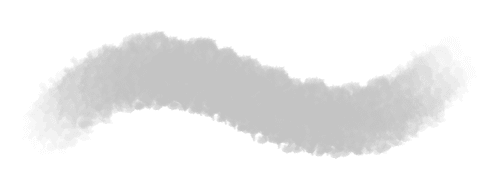
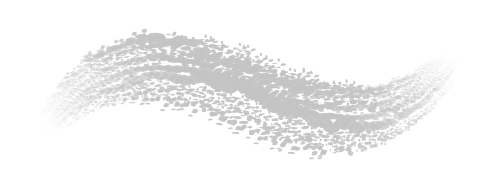
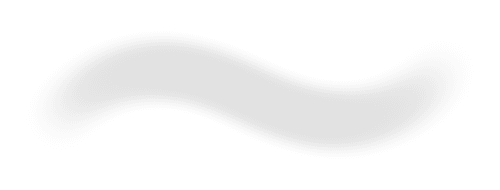
Blend 6 brushes
Brushes for the Blend tool, from a basic round to textured and soft ones, for smudging and softening edges.


Blend and Paint 2 brushes
Brushes that pick up the color already on the canvas and mix it with yours as you paint, like wet paint.
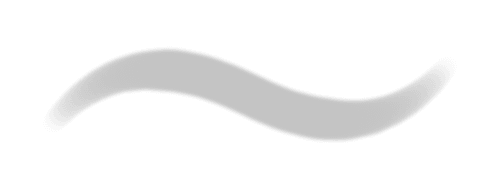
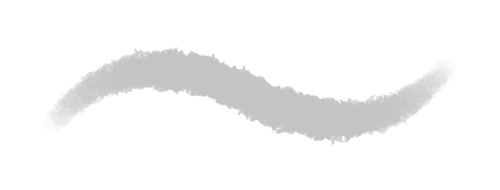
General 4 brushes
Everyday round brushes: a crisp ink, a soft ink, and soft and softer brushes that build up color with pen pressure, like an airbrush.
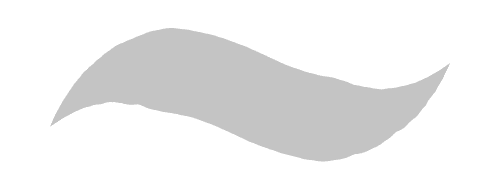
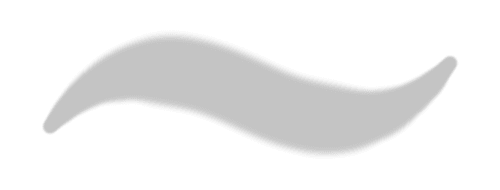
Sketch and Chalk 13 brushes
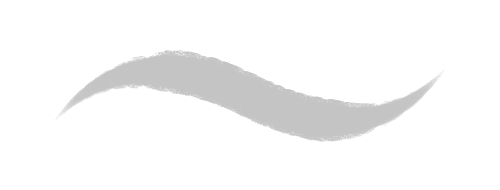
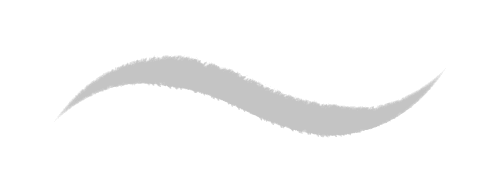
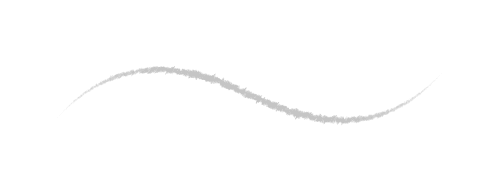
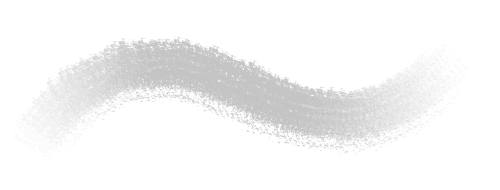
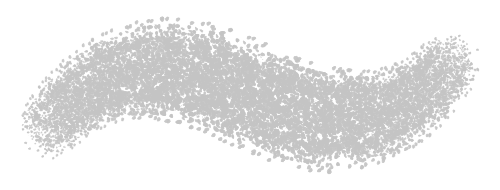
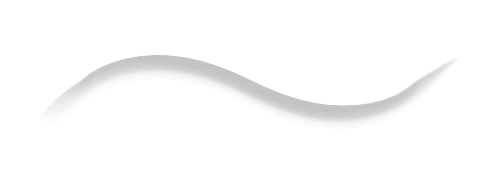
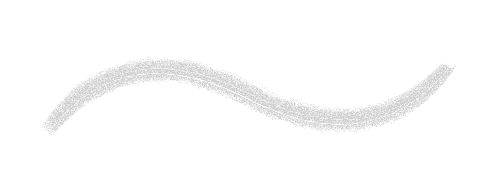
Pencils, graphite, sketchy rounds, chalky brushes, willow and soft charcoal, plus Vine, a gesture brush that turns with the tilt of your pen.
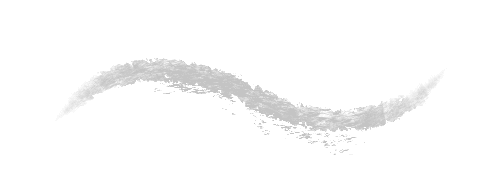
Block and Line 7 brushes
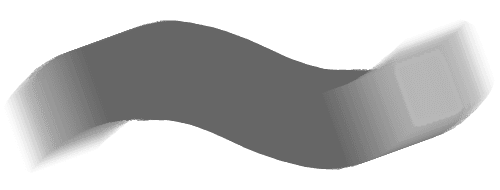
Square, sharp and flat brushes, with scatter and repeat variants, for blocking in shapes and drawing hard edges fast.
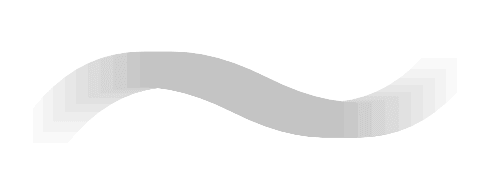
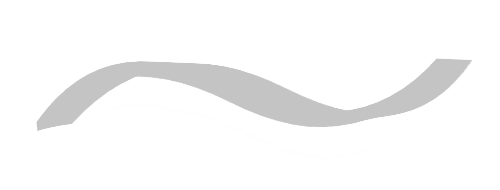
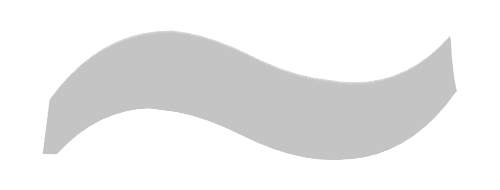
Markers 4 brushes
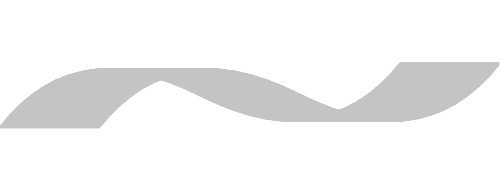
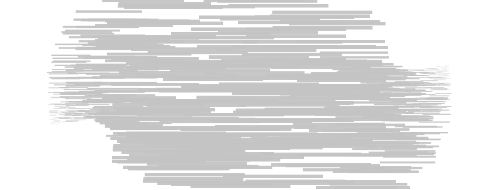
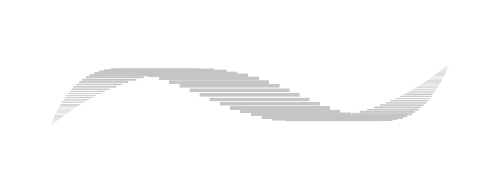
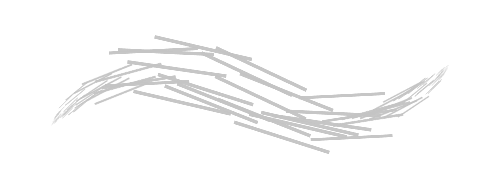
Flat and textured markers for clean, even coloring and lettering.
Textured 14 brushes
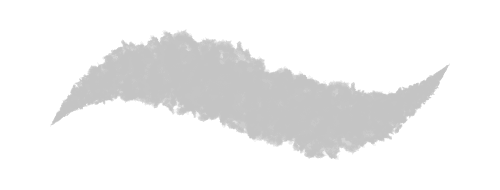
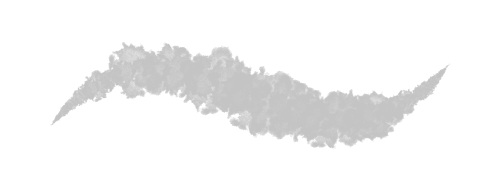
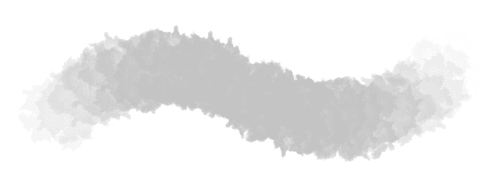
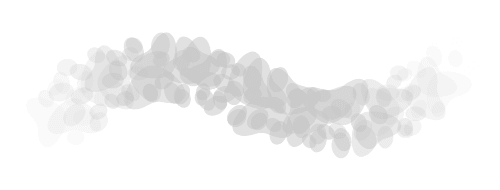
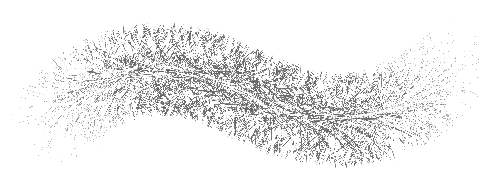
Rough, rocky, fuzzy and splotchy brushes, splatter, textured ink, watery ink and Round Bristle, which gets thicker as you press harder.

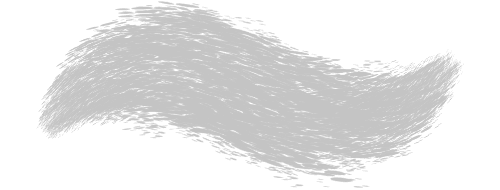
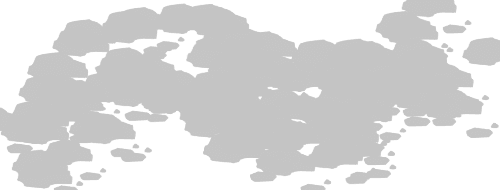
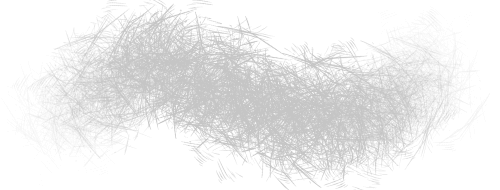
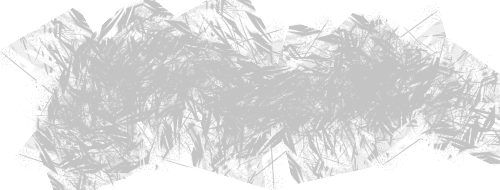
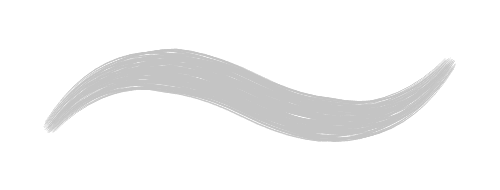
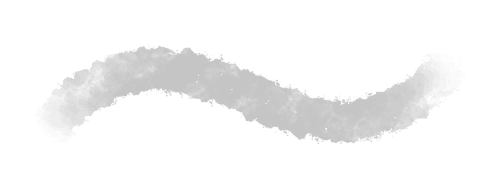
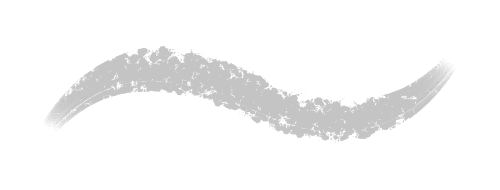
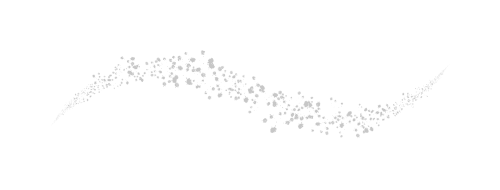
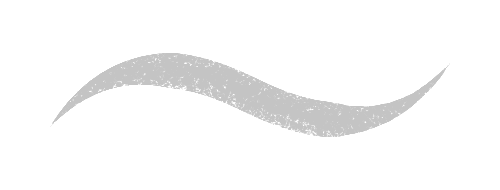
Rake 2 brushes
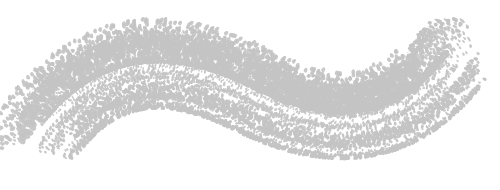
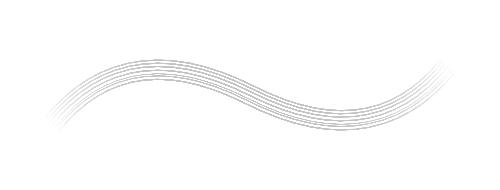
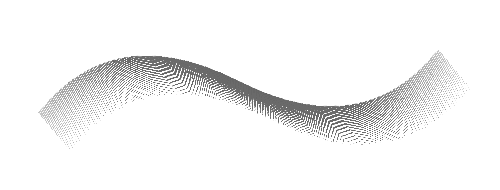
Rake brushes that lay down several parallel lines in one stroke, for hair, fur, grass and broken, painterly marks.
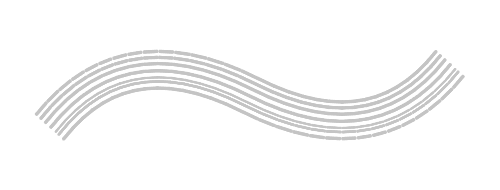

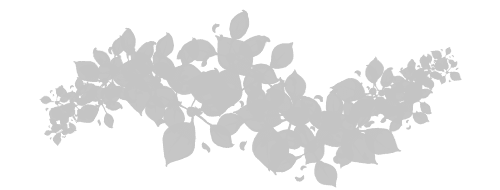
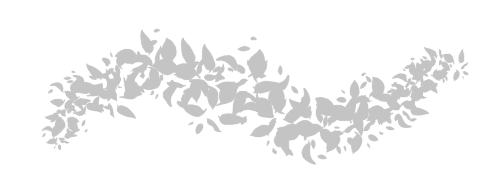
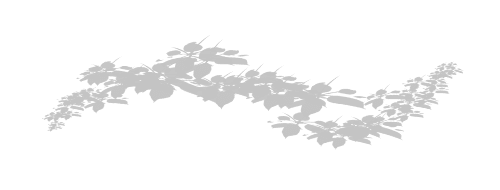
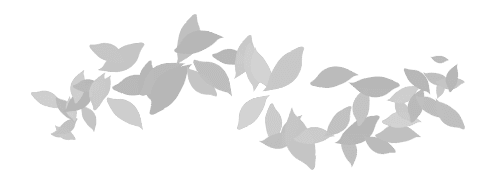
Foliage 6 brushes
Grass and leaf brushes that scatter greenery along your stroke, for backgrounds and landscapes.
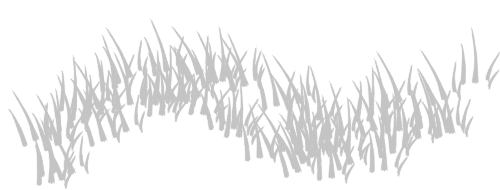
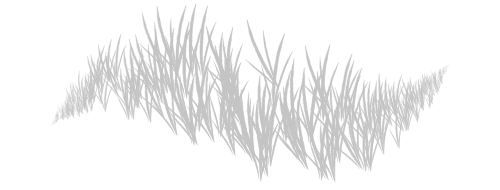
Other 9 brushes
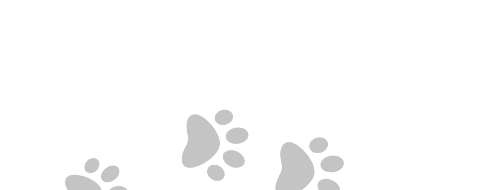
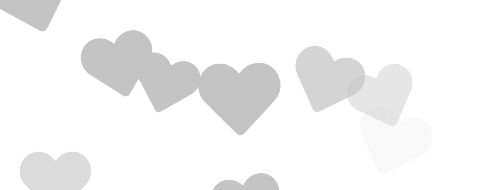
Stamps and effects: pawprints, hearts, eggs, a checkered brush, hair and fur, and streaky brushes.


Patterns 7 textures
Surface patterns such as bark, stone, pebble, rock and canvas, which you can add to any brush as a texture.







Pixel Pencil 1 brushes
A hard-edged square pen for pixel art (shortcut N). Any brush can also switch off anti-aliasing with the Pixelation setting.

Creator brush packs
Creator packs are brush sets made with artists from the Magma community and built for Magma’s brush engine. They sit in your brush list next to the built-in sets. Some are free: Orb’s Brush Pack, Likewise Poorman’s and 44404’s Stencils. Others are paid, like Wynter’s Brush Pack, Likewise Duality, Likewise KiraKira and 44404’s Personal, and buying one supports the artist who made it. Follow the artists on Magma to see what else they make.
Orb's Brush Pack Free
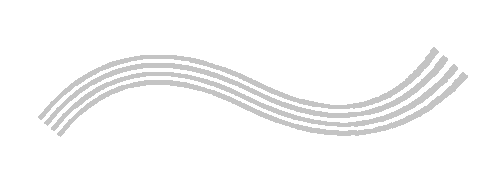
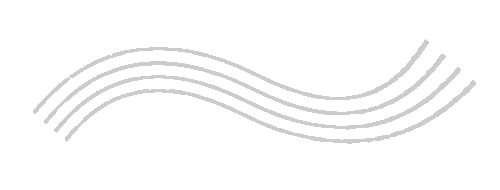
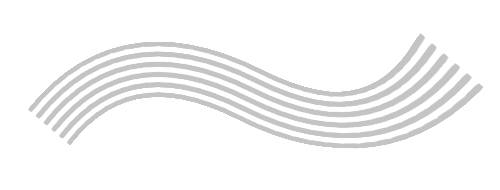
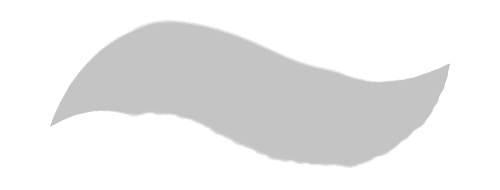
A free set of 8 custom brushes designed for Magma by Orb: triangle-tipped Triorb brushes for sharp linework, the Orbrushy and Orblendy brushes for painting and soft blending, a square brush and three rakes.
See all 8 brushes
Likewise Duality 400
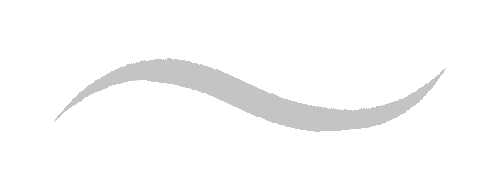
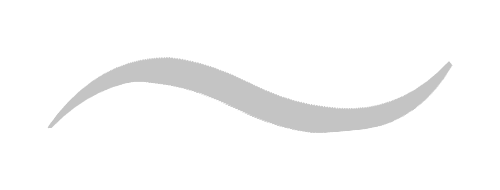
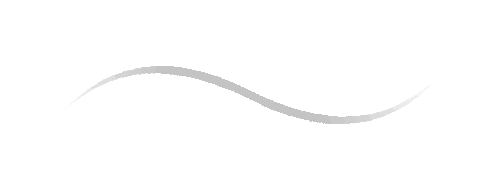
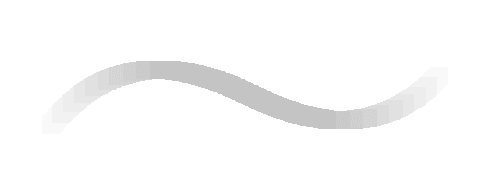
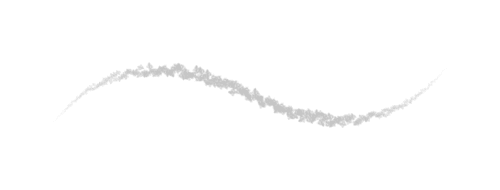
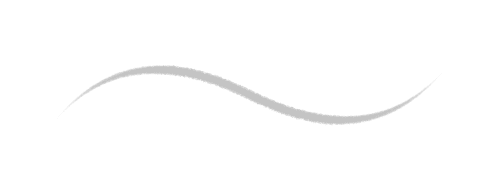
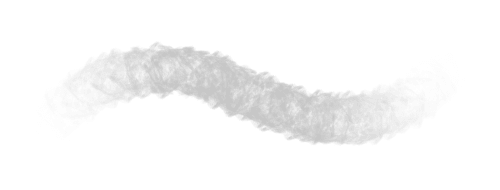
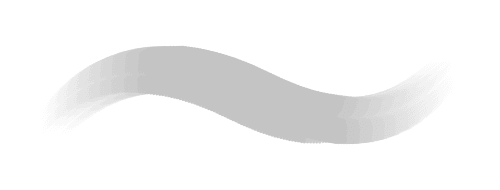
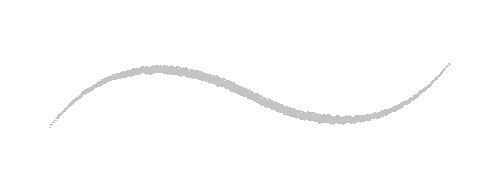
Core drawing and rendering brushes: dirty and clean inks, subtle and harsh render brushes (the harsh one uses pen tilt), inside and outside bleed for linework, and wet and dry thumbs for building up and unifying strokes.
See all 10 brushes
Likewise KiraKira 200
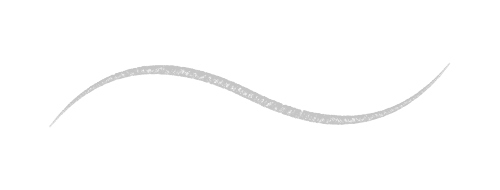
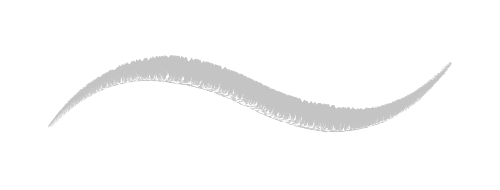
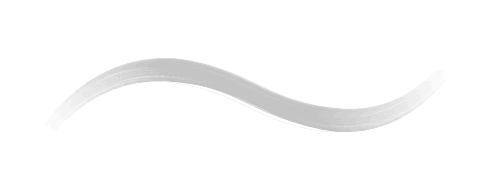
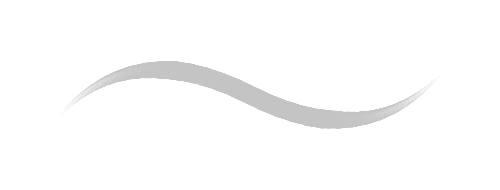
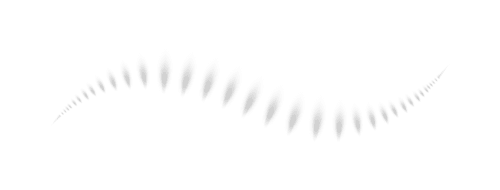
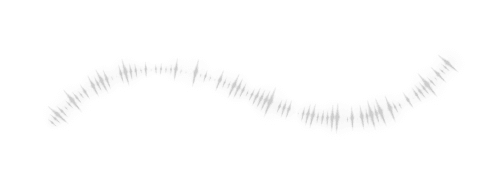
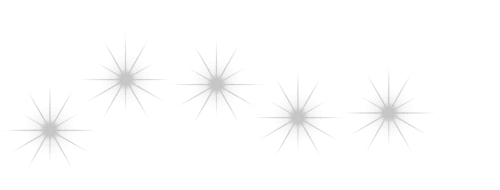
Stamp brushes for extra flair: soft fog, scattered sparkles, bubbles, solar flares, sheen and stars.
See all 6 brushes
Likewise Poorman's Free
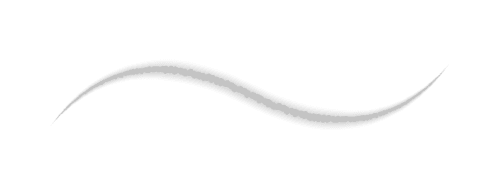
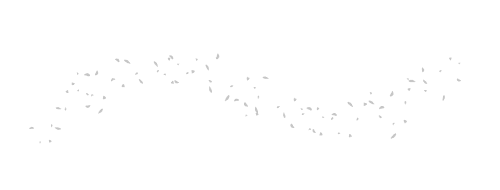
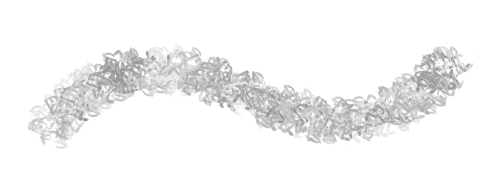
A free texture pack: ember glow, dust particles, organic palette, noise for overlay layers, fog, dirt, rock and a pressure-driven bush brush for quick foliage.
See all 8 brushes
Wynter's Brush Pack 525
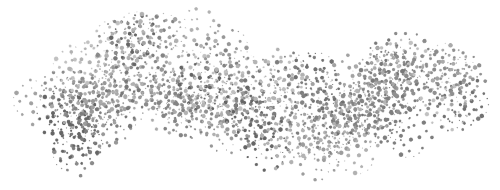
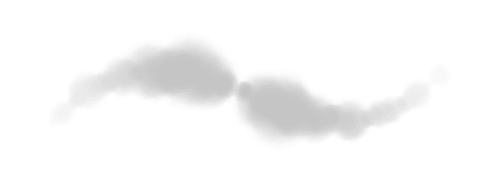
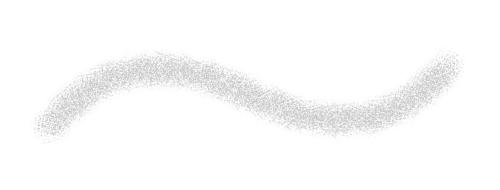
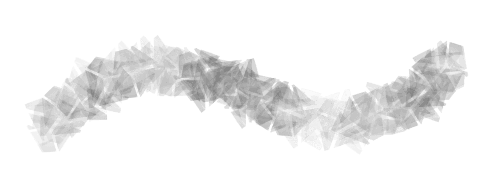
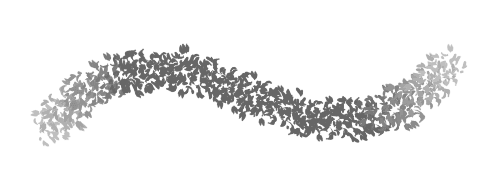
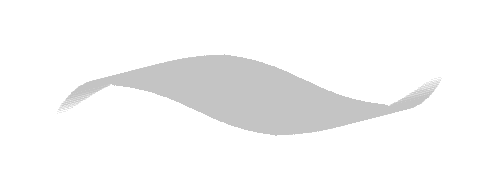
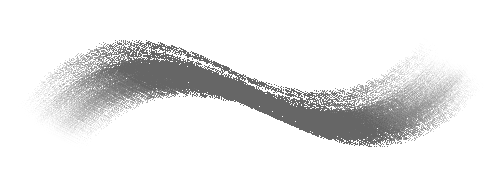
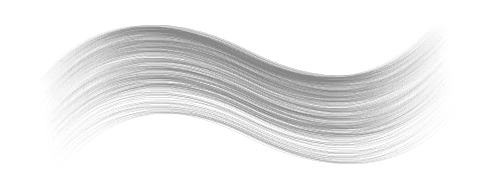
Twelve painterly brushes: impasto for thick paint, dithering and blending rakes, a color-dynamics render brush, splatter, a spiky texture, a textured-edge monoline, a sketch marker, a bristle brush and a soft paint rake.
See all 12 brushes

44404's Personal 444
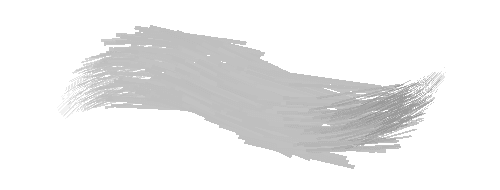
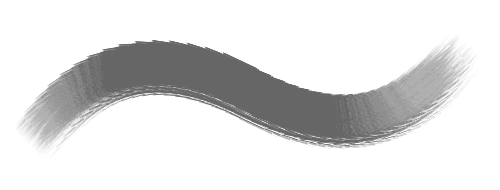
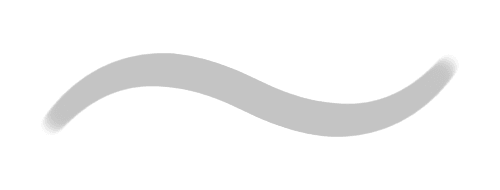
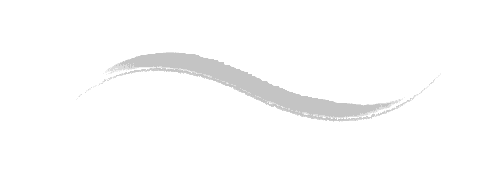
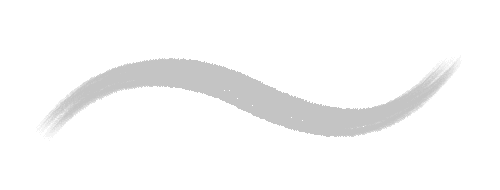
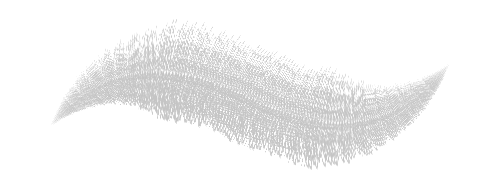
Pens, pencils and inks from 44404's own kit: a textured dry marker, flat Indian ink, a soft 3B pencil, a ballpoint that bleeds like cheap paper, fuzzy fur and fine hair brushes.
See all 11 brushes
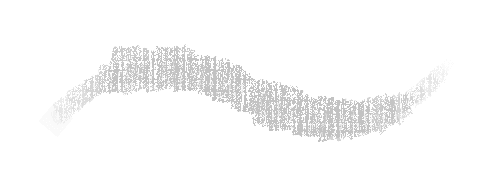
44404's Stencils Free
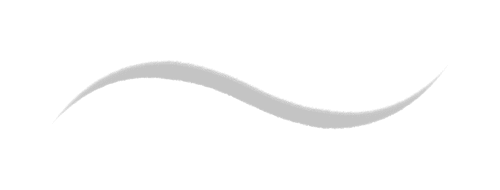
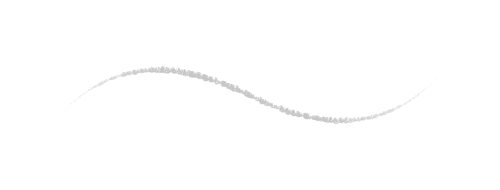
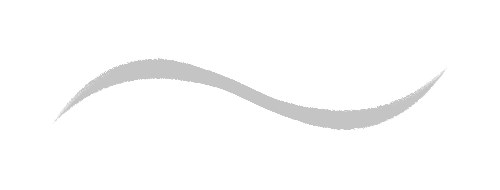
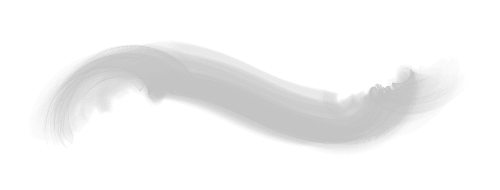
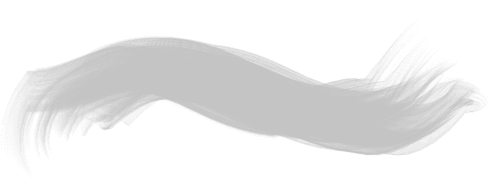
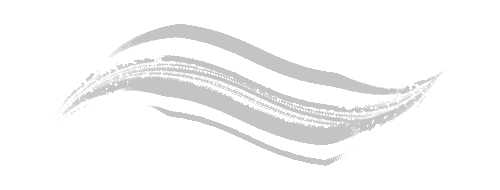
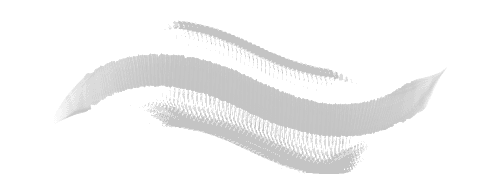
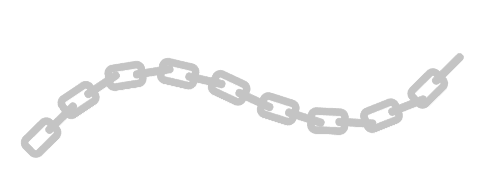
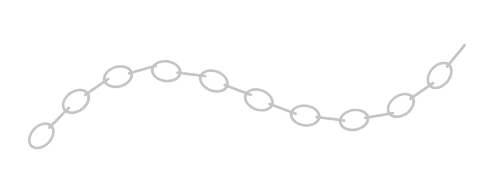
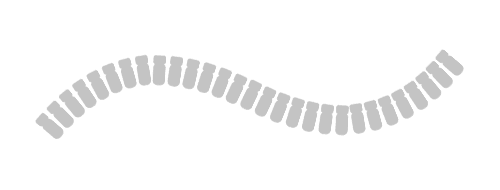
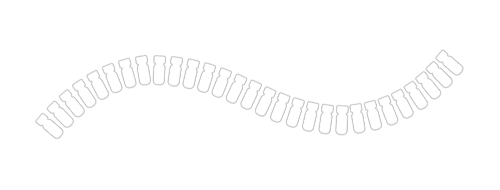
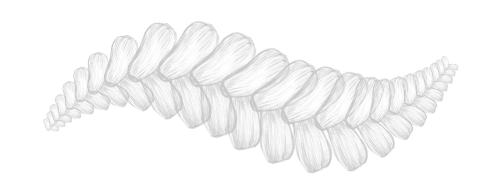
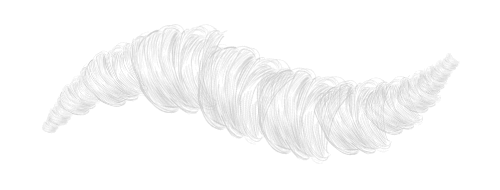
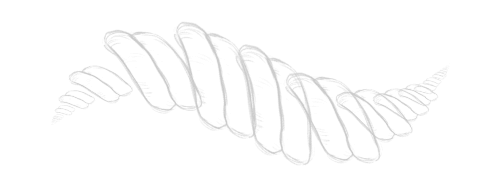
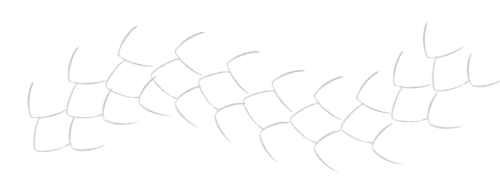
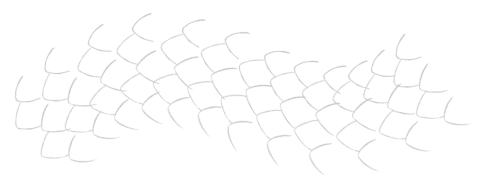
A free stencil pack: braids, dreadlocks, rope, reptile scales, ribbon edges and soft bokeh, ready to color by hand.
See all 13 brushes

How to tune a Magma brush
Every brush in the library is a starting point. Open the settings under the color wheel, click the gear and switch to Full mode, then open Advanced Brush Settings. The live preview shows each change before you touch the canvas.
Size, flow and pressure
Size reacts to pen pressure by default. Turn on pressure for flow too, so color builds up as you press. Flow is the opacity of each dab; opacity caps the whole stroke. Use [ and ] to resize, up to 1000 px.
Tip shape and hardness
Swap the tip for any shape in the preset range, and set its angle, roundness and spacing. Round tips have a hardness slider, from a crisp edge to a soft falloff.
Shape dynamics and tilt
Add jitter to size, angle and roundness for a less mechanical stroke. If your pen reports tilt, set the control to tilt and the tip turns or flattens as you lean the pen, the way Vine does.
Scattering
Spread dabs away from the path of your stroke and repeat them, for foliage, sparkles, splatter and crowds of small marks.
Texture
Lay a pattern like canvas, bark or stone over the stroke, and choose how deep it goes, so the paint catches the grain.
Dual brush
Use a second tip shape as a mask for the first. A plain round with a rough second shape gives you chalk and charcoal edges. It works best with a pressure-sensitive pen.
Color jitter
Vary hue, saturation and brightness from dab to dab. Keep it low for subtle, natural color shifts, or turn it up for rainbow effects.
Transfer, paint and stretch
On blending brushes, paint sets how much of your color mixes in, and stretch sets how far the brush drags the color already on the canvas.
Pixelation
Turn on Pixelation in the brush tip settings to switch off anti-aliasing, so every edge pixel is either painted or not. Pair it with the Pixel Pencil (N) for pixel art.
Save it as your own
Click Save as New Brush and it goes to My Brushes in your brush list. The free plan keeps 3 saved brushes; Blaze keeps as many as you like.
Questions about Magma brushes
What brushes does Magma have?
Eleven built-in sets: General, Sketch and Chalk, Blend, Blend and Paint, Textured, Markers, Rake, Block and Line, Foliage, Other, and Patterns. Together they cover inking, pencils and charcoal, blending, bristle and textured painting, markers, greenery and stamps. Every brush is on this page with a real stroke sample. There's also the Pixel Pencil for pixel art, and creator brush packs.
Are Magma brushes free?
Yes. All the built-in brushes are on every plan, including the free Spark plan. Some creator packs are free too (Orb’s, Likewise Poorman’s, 44404’s Stencils), and others are paid. The free plan saves up to 3 brushes of your own; Blaze saves unlimited.
Does Magma have an airbrush?
There's no brush called Airbrush. The soft and softer brushes in the General set work like one: their edges are fully soft and color builds up as you press harder. Softer starts at a lower flow, so it builds up more gently. Lower the flow further for very light shading.
What's the difference between the soft and softer brush in Magma?
Both are round brushes with no hard edge and flow that follows pen pressure. Soft lays down color faster; softer starts at about a third of the flow, for gradual shading and glows. They're also in the Blend set, where they smooth color instead of adding it.
Is there a pixel brush in Magma?
Yes. The Pixel Pencil (shortcut N) paints hard-edged square pixels. You can also turn on the Pixelation setting on any brush to switch off anti-aliasing and keep every edge crisp.
Which Magma brush is best for chalk or charcoal?
Look in Sketch and Chalk. The chalky brushes give dry, broken edges, and willow and soft charcoal use a dual brush for a grainy, charcoal-like texture. For pencil lines, try pencil, soft pencil and thin graphite in the same set.
Do Magma brushes work with pen pressure and tilt?
Yes. Size follows pressure on most brushes, and many also use pressure for flow. Round Bristle in the Textured set gets thicker as you press, and Vine in Sketch and Chalk turns with the tilt of your pen. In Advanced Brush Settings you can set size, angle, roundness, flow and more to follow pressure or tilt.
Can I make my own brushes in Magma?
Yes. Start from any brush, switch the settings to Full mode and open Advanced Brush Settings to change tip shape, texture, dual brush, scattering and color jitter. Then save it as a new brush: 3 on the free plan, unlimited on Blaze.
Can I import Photoshop or Procreate brushes into Magma?
Not today. Magma doesn't import ABR or Procreate brush files. Pick the closest brush on this page and rebuild your favorite in Advanced Brush Settings, then save it.
What are creator brush packs?
Brush sets made with Magma artists, like Orb’s Brush Pack and Likewise Poorman’s (both free) or Wynter’s Brush Pack and Likewise Duality (paid). They appear in your brush list, and when a pack is paid, buying it supports the artist who made it.
Looking for layers, PSD export, Art Jams and drawing with friends? See all Magma features.
Pick a brush and try it on a real canvas.
It's free, it runs in your browser, and you'll be drawing alongside 5M+ artists.
Start drawing freeSee all Magma features